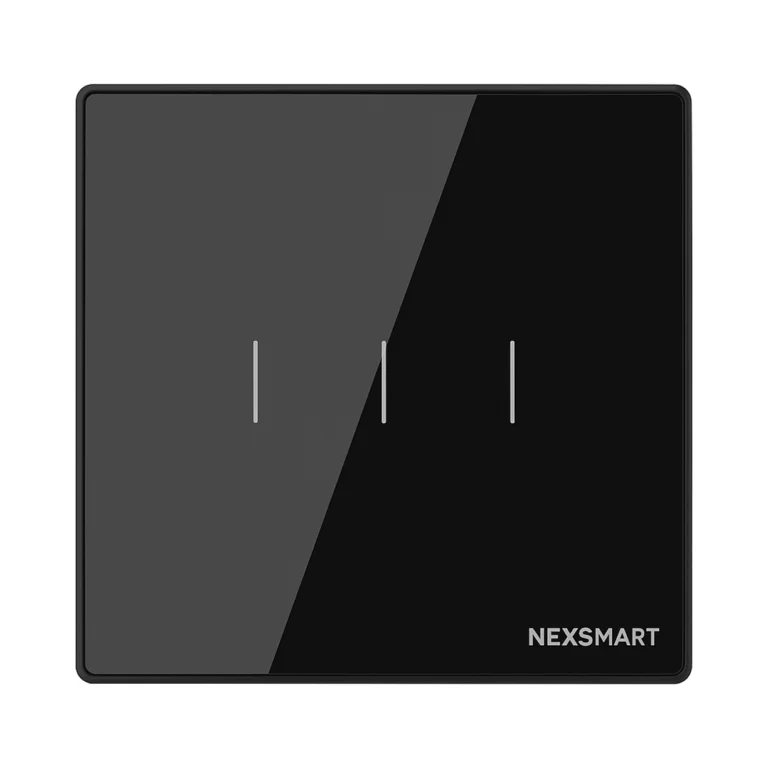
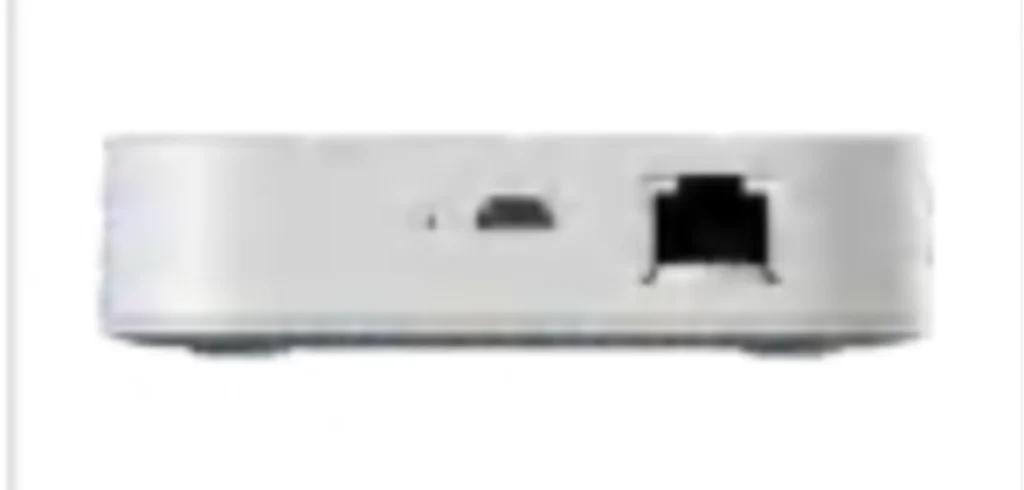
A Zigbee 3.0 smart home gateway on an Ethernet cable for a steadier connection, with built-in Alexa, linking sensors, switches, curtains and air conditioners to the Smart Life app.
At a glance
- LAN (Ethernet) connection.
- Built-in Alexa.
- 5V supply.
- 90 × 90 × 20 mm.
How does the gateway work?
Zigbee devices do not connect to the router directly; they connect to the gateway, which connects to the internet and the app. Every mains-powered Zigbee device strengthens the network and relays the signal to devices further away, so coverage grows as devices are added.
From the app you add devices and build automatic scenes, such as switching lights on when motion is detected or sending an alert when a door opens.
Related products
- NEXSW switches and NEXRE modules.
- NEXSE / NEXSEN sensors.
- NEXCURT curtain kits.
- NEXAC-VGI-Z / VGO-Z AC gateways.
Technical data
| Item | Value |
|---|---|
| Brand | NEXSMART |
| Model | NEXHUB-NH |
| Type | Ethernet Smart Home Gateway, Zigbee 3.0 |
| Connectivity | Zigbee 3.0 · LAN |
| Power supply | DC 5V |
| Dimensions | 90 × 90 × 20 mm |
| Operating temperature | -10 … +55 °C |
The critical point: gateway position
Place the gateway in a central, open spot in the home, away from metal cabinets, so its signal reaches every device. In large homes coverage relies on mains-powered Zigbee devices spread between the rooms.
General design notes
- One gateway is usually enough for an apartment or a medium villa, with mains-powered devices spread to strengthen the network.
- A wired gateway is steadier in homes with a crowded Wi-Fi network.
- If the project has a control screen with a built-in gateway, an extra gateway is usually not needed.
These are general notes
These points are general smart home installation practice, not taken from the NEXSMART datasheet. Electrical connections are made by a qualified electrician to the Saudi electrical code and the authority’s requirements.
Installation steps
- Choose a central spot near the router or a network point.
- Connect power (and the network cable for the wired model).
- Add the gateway to the app.
- Add devices from the nearest to the furthest.
- Build and test the scenes.
Common mistakes
- Putting the gateway in a metal cabinet or at the edge of the home.
- Adding far devices before near ones.
- Unplugging the gateway, which stops the scenes.
Inspection and maintenance
Keep the gateway powered at all times and update its software from the app when updates are available.
Files and ordering
NEXHUB-NH datasheet attached in the files section of this page. When ordering, state model NEXHUB-NH and the quantity.
How to buy
This product is sold directly in the Fu-Mech online store. If you would like to buy, press “Buy in store” at the top of the page to open its store page. For projects and large quantities, request a quote or contact us on WhatsApp.
Frequently asked questions
What is the difference between NEXHUB-B and NEXHUB-NH?
NEXHUB-B connects over Wi-Fi; NEXHUB-NH connects by network cable and has built-in Alexa.
Do I need a gateway if I have a control screen?
Most NEXSC screens have a built-in gateway, so a separate gateway is usually not needed.
Do Wi-Fi devices work through the gateway?
The gateway is for Zigbee devices; Wi-Fi devices (ending in -W) connect to the router directly.
References
- NEXSMART — Datasheet: NEXHUB-NH datasheet (attached)
- Zigbee 3.0 — Wireless standard of the Connectivity Standards Alliance
This page is general information to help with selection and purchase, taken from NEXSMART data and the attached datasheet. General points are common practice; the reference is the latest manufacturer data.