
Addressable Fire Alarm Systems
EATON addressable fire alarm systems: UL listed ULDF6000 and EN54 xDetect panels, with sensors, pull stations, modules, horns and strobes.
The system, step by step
Tap any step to see its products.
Detection: smoke and heat sensors
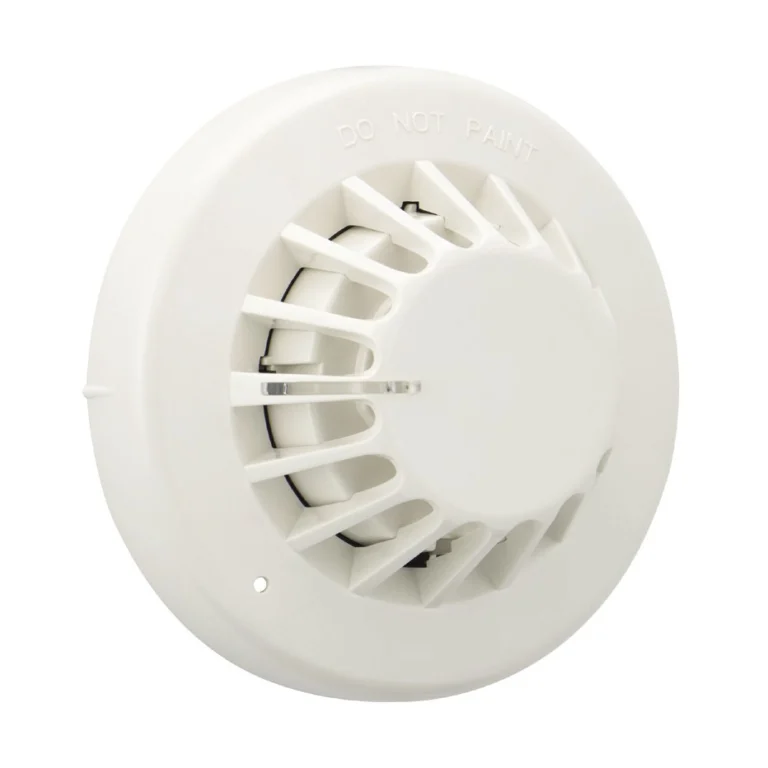
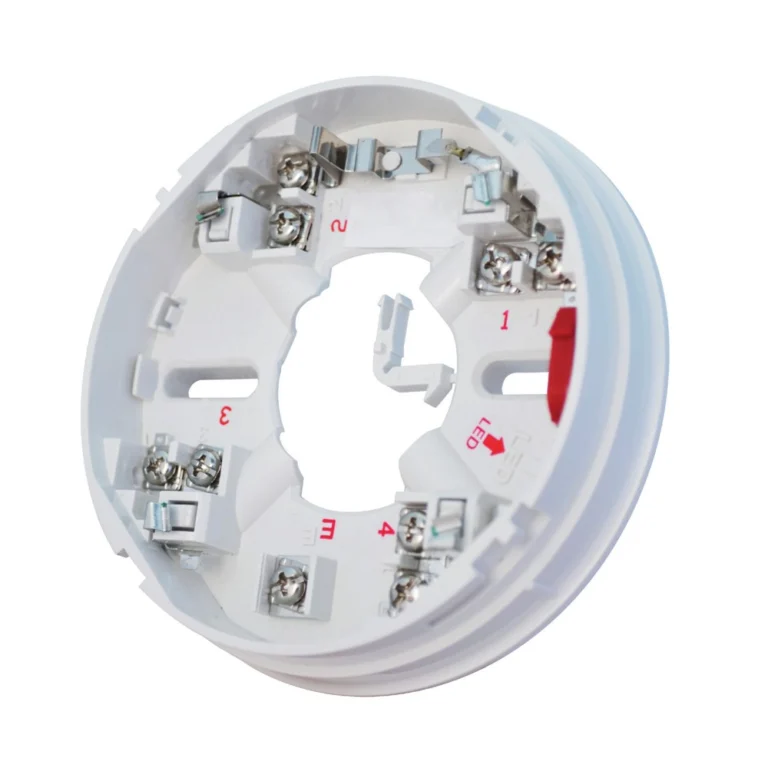
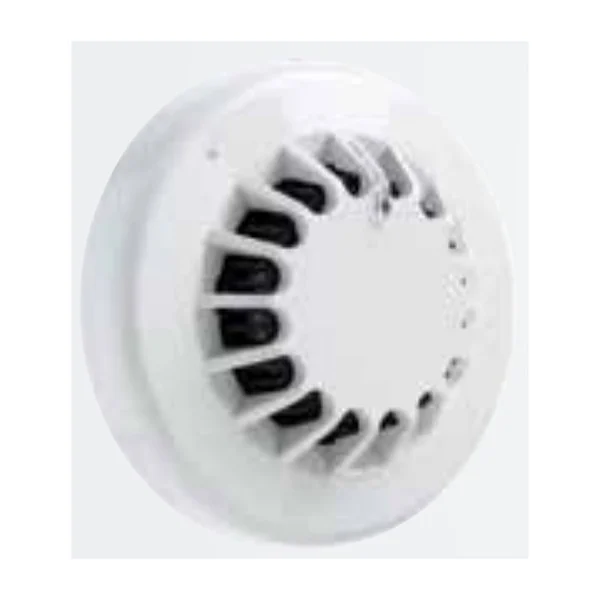
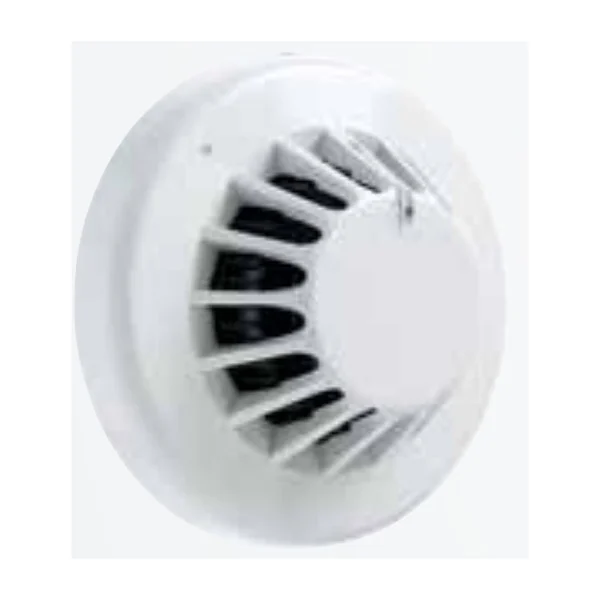
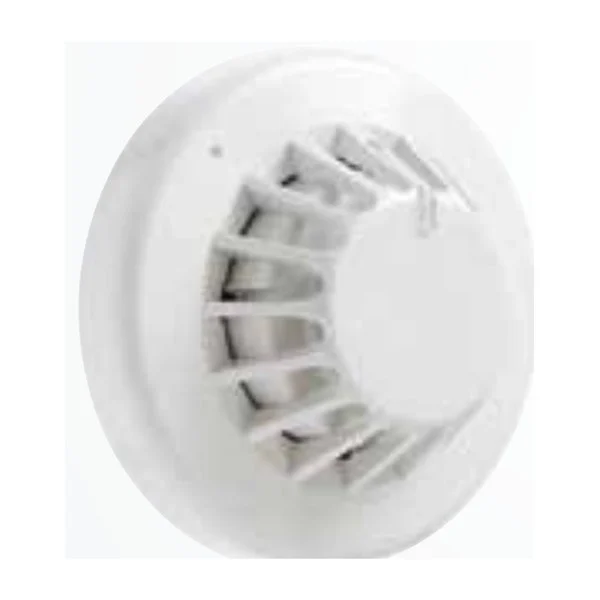
Addressable sensors detect fire and report with their address; conventional detectors via a zone monitor.
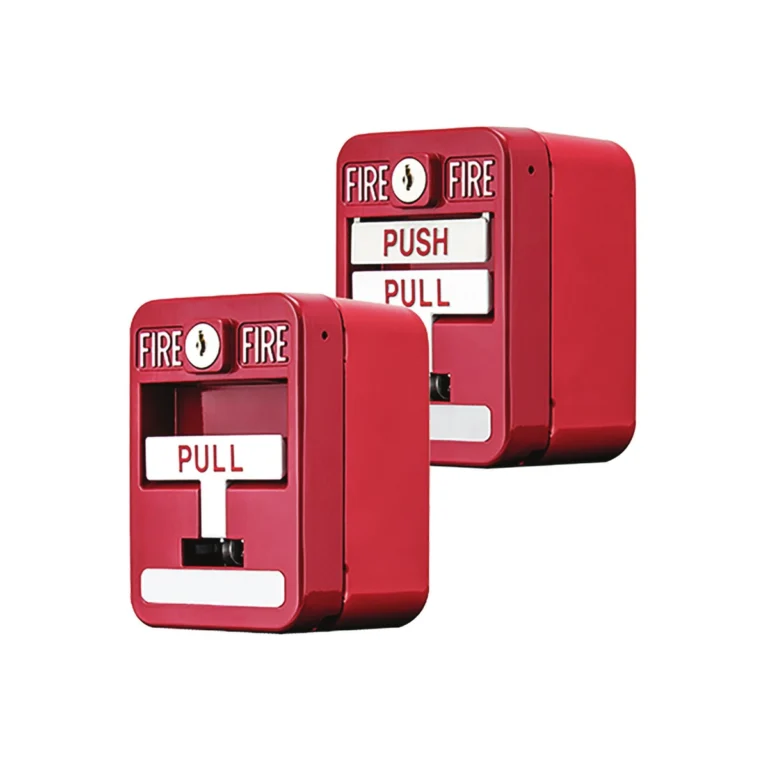
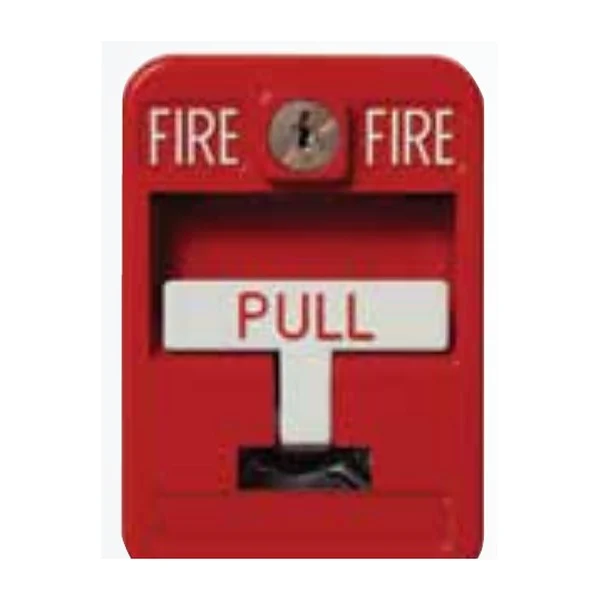
Manual alarm: pull stations
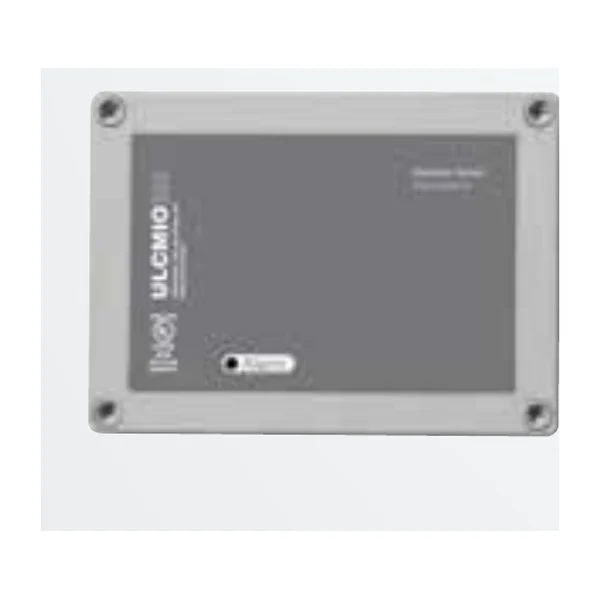
Addressable pull stations with ULMCIM-C, weatherproof and conventional versions.
Integration: modules and interfaces
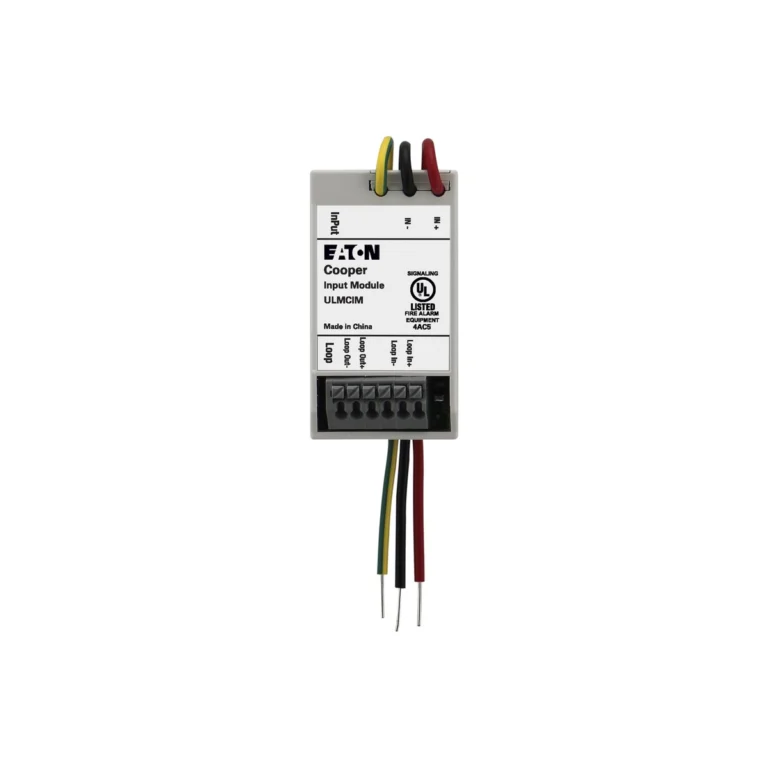
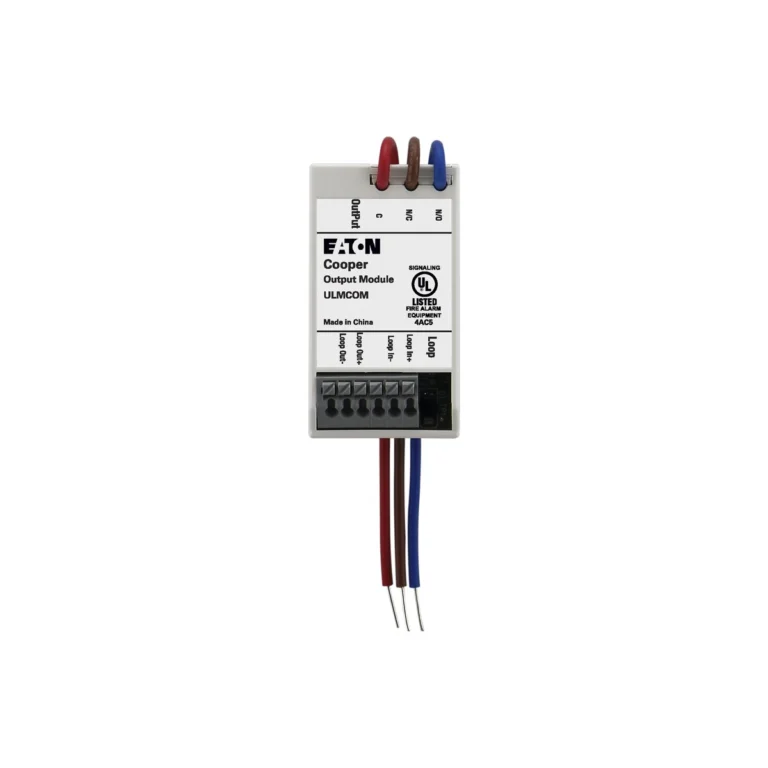
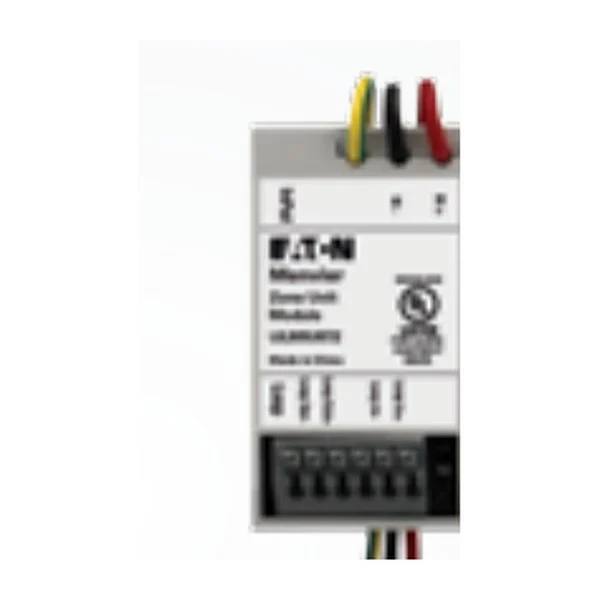
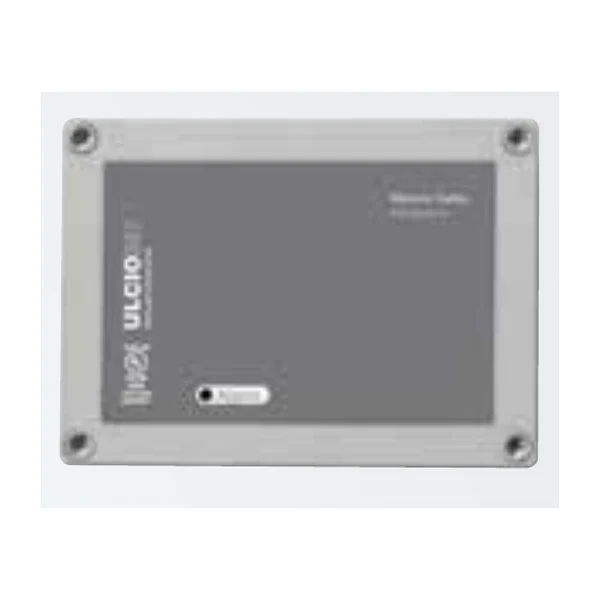
Monitoring flow switches and valves, and operating HVAC, doors and sounders.
Control: fire alarm panels
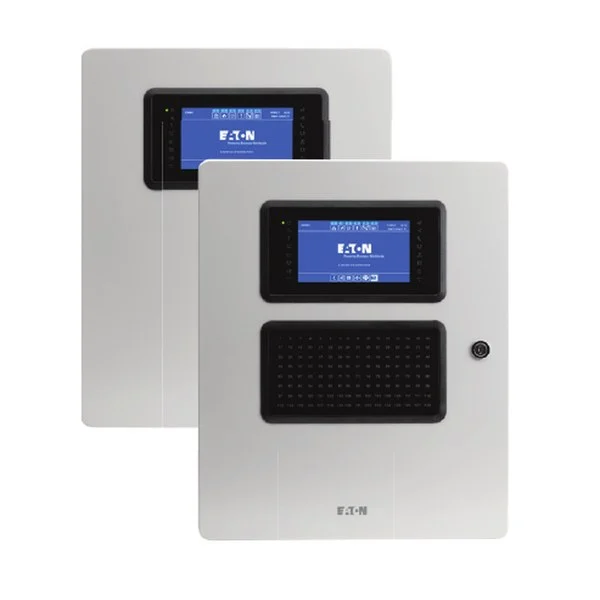
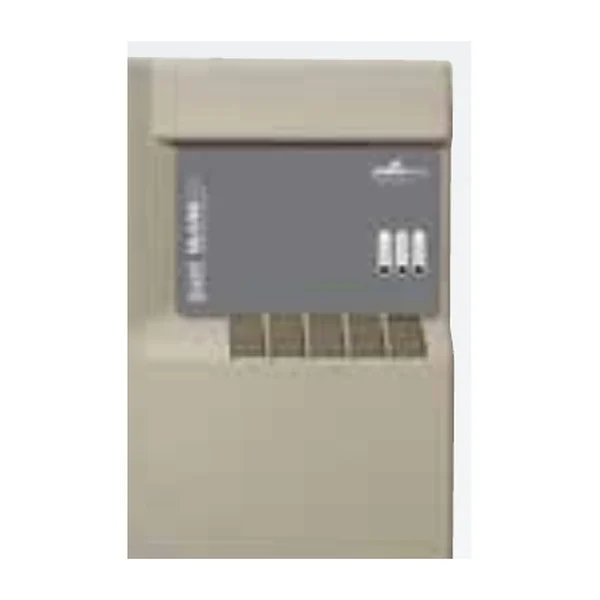
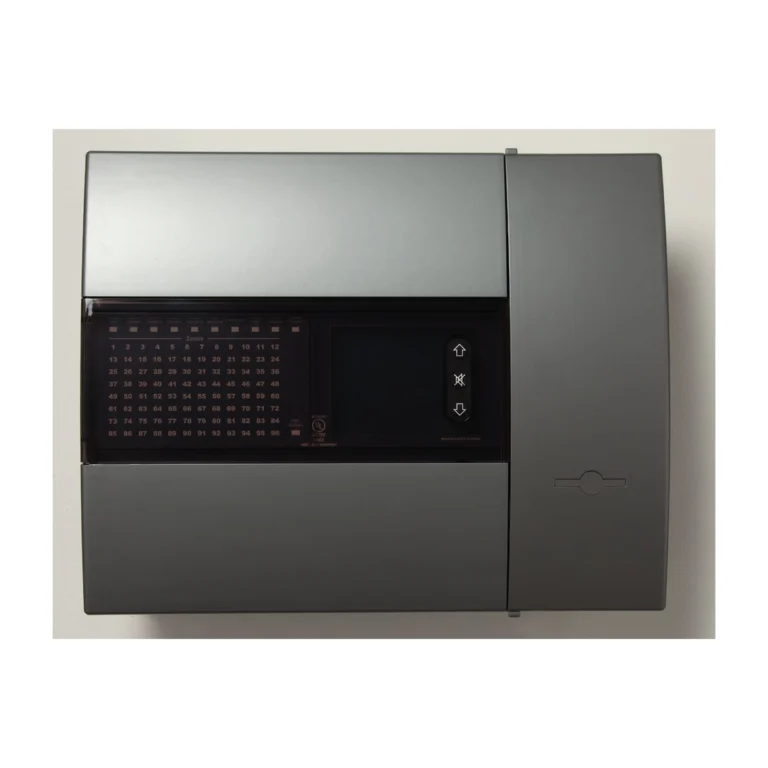
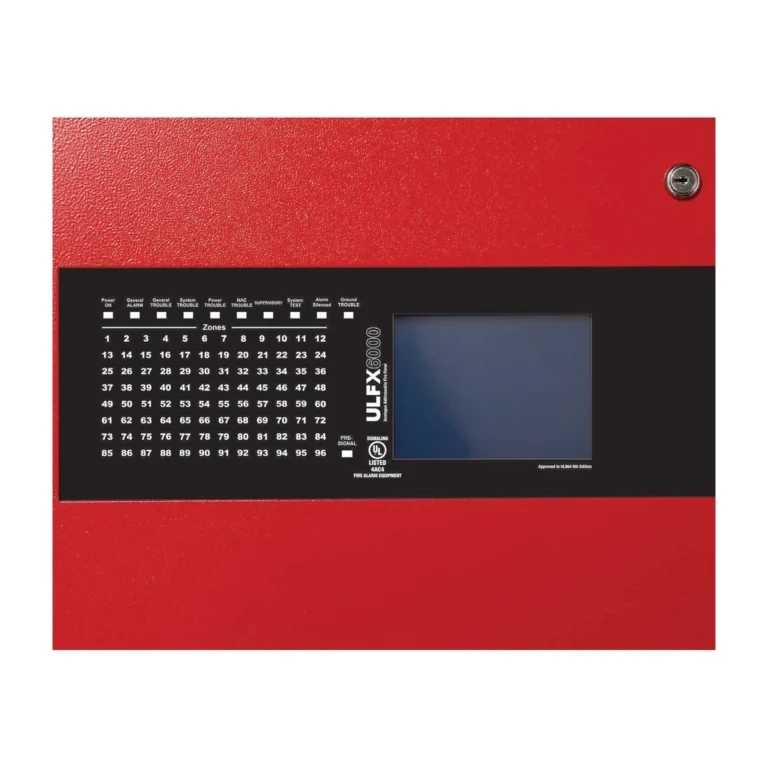
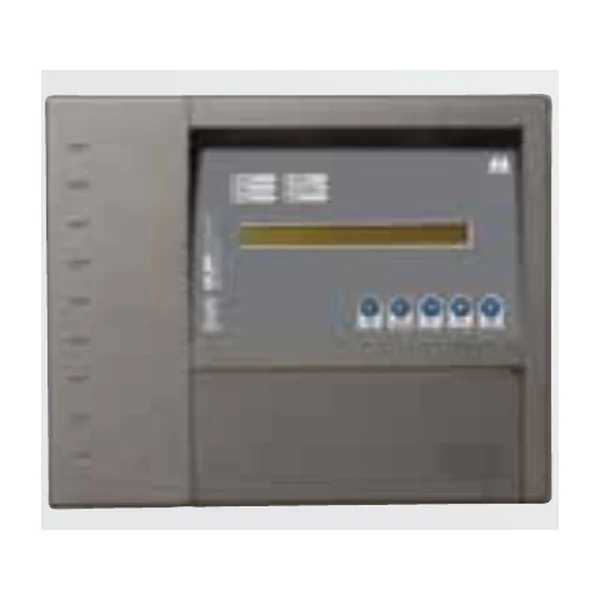
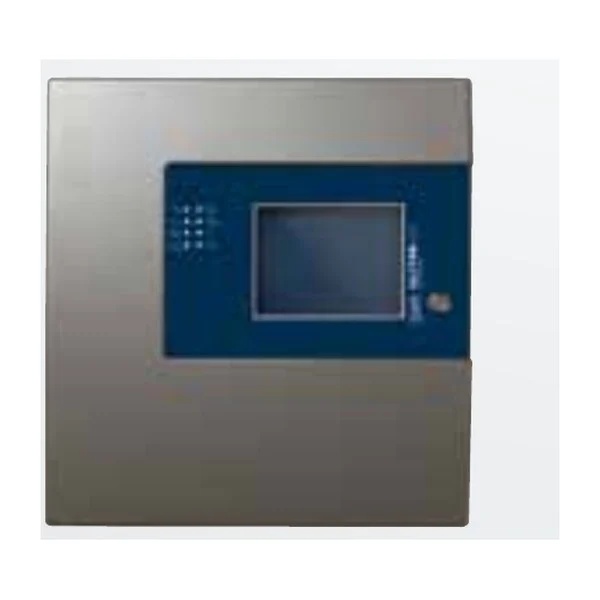
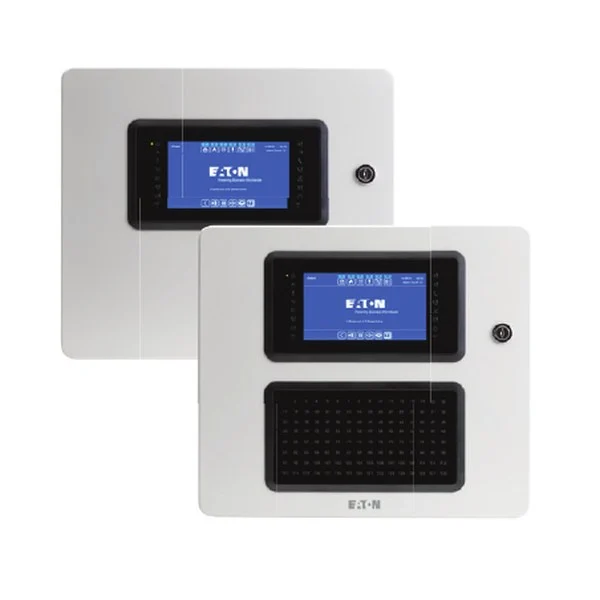
UL listed ULDF6000 and EN54 xDetect panels, with repeaters.
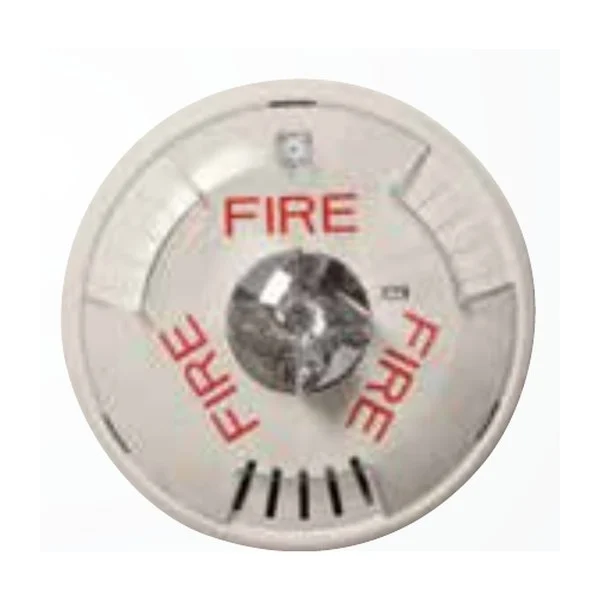
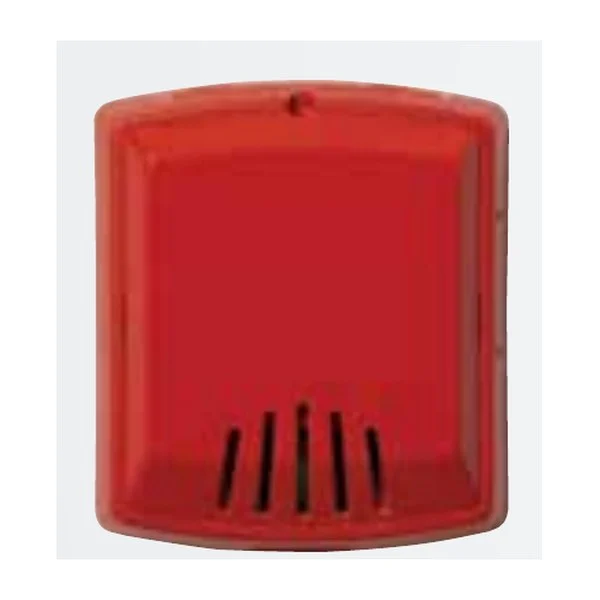
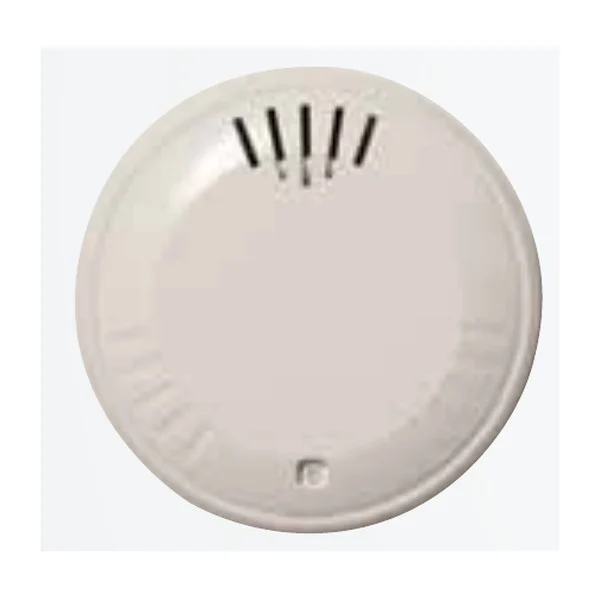
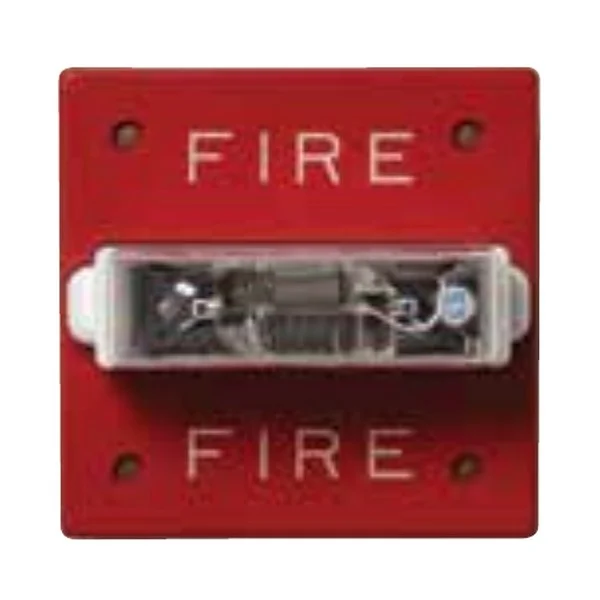
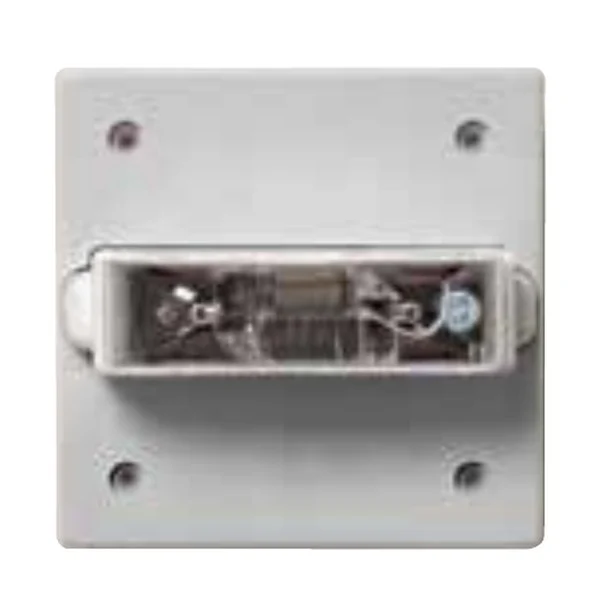
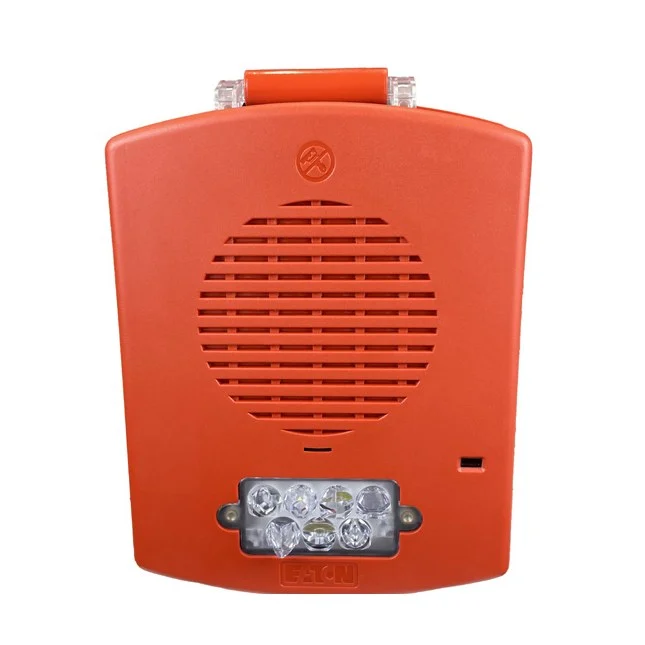
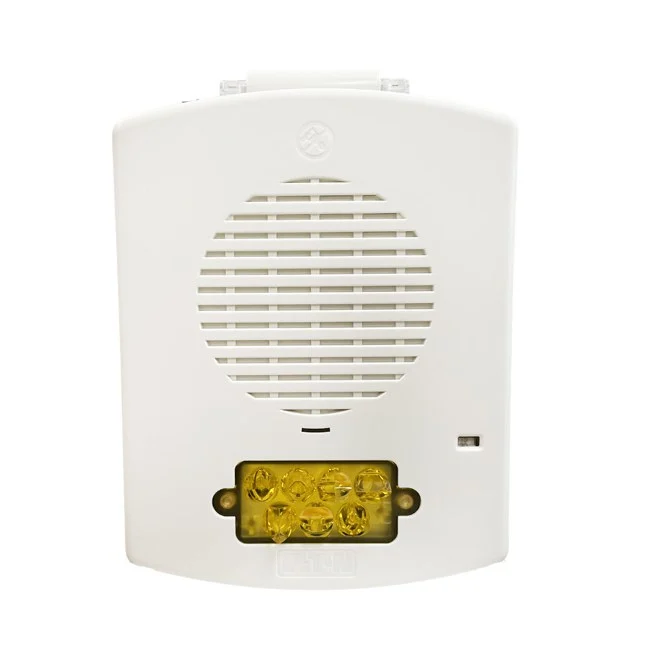
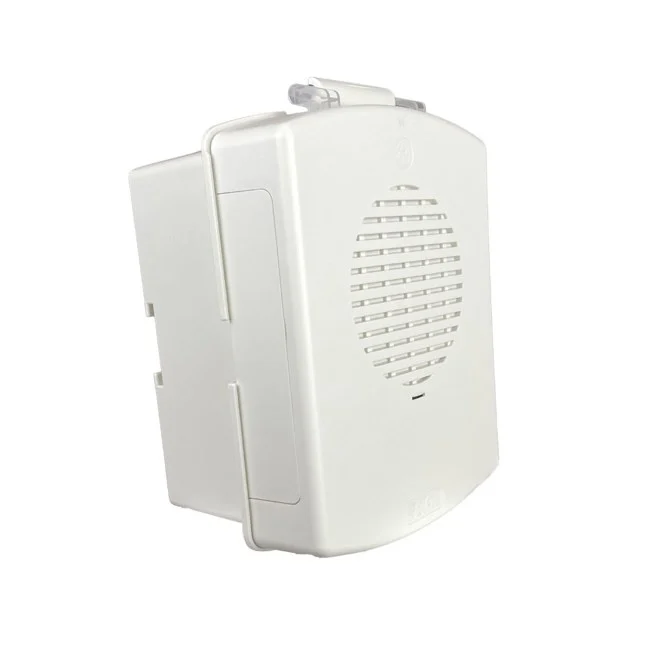
Notification: horns and strobes
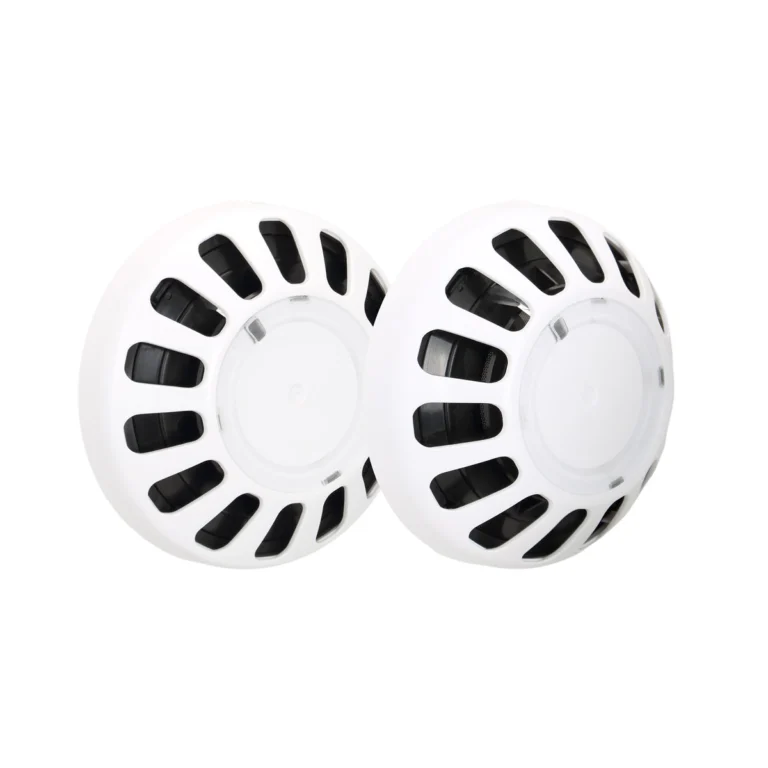
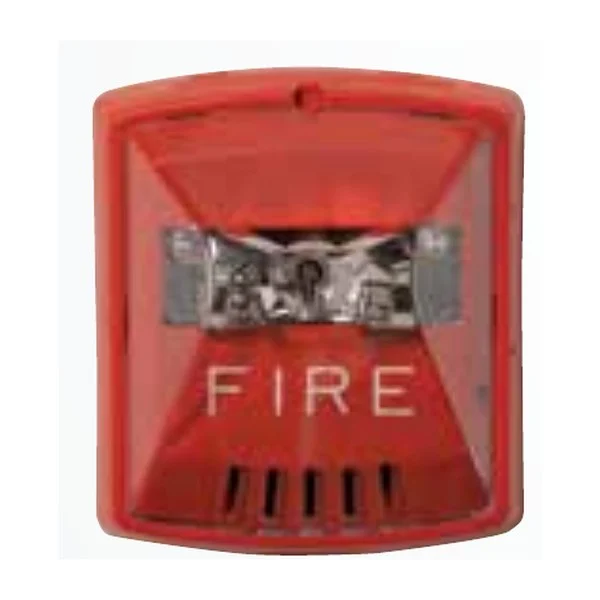
Indoor and outdoor synchronised horns and strobes, and sounder bases.
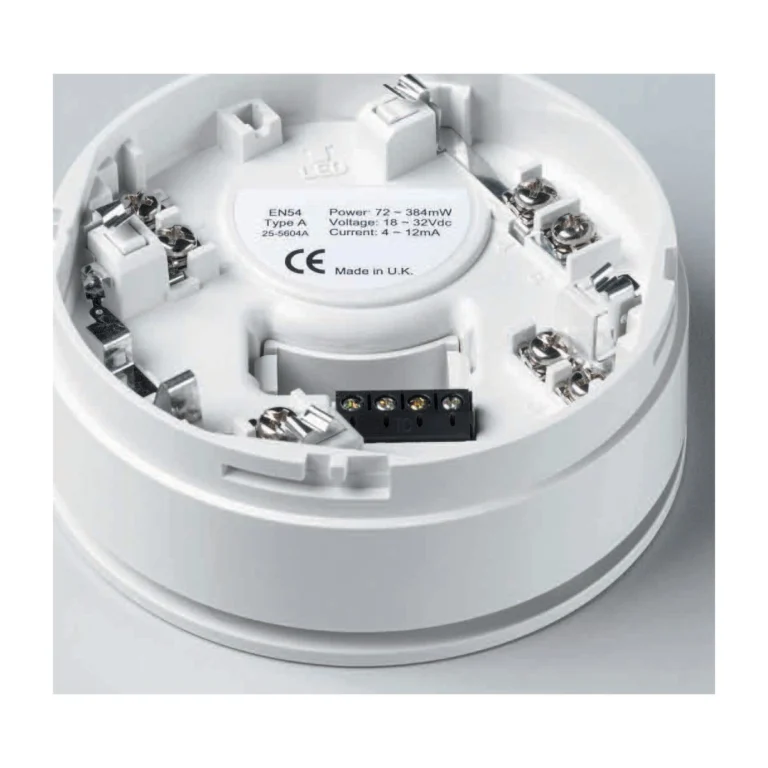
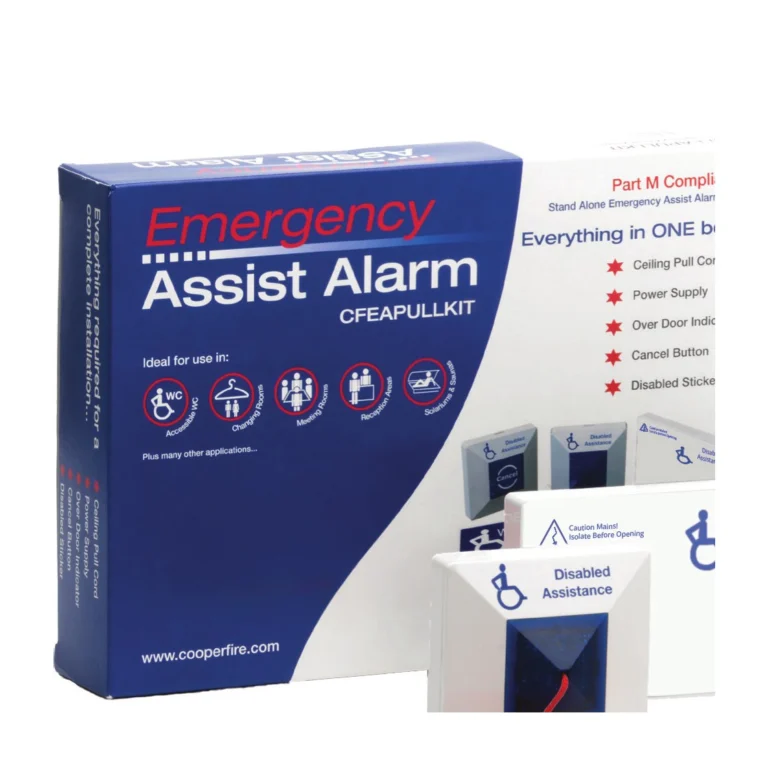
Emergency assist alarm
A stand-alone system for accessible toilets.
An addressable fire alarm system is the nervous system of a building’s fire protection: it detects fire early, pinpoints its location, warns occupants to evacuate, and operates linked systems such as HVAC shutdown, releasing doors and recalling lifts. This solution covers EATON (Menvier) systems in two ranges: the UL listed range with ULDF6000 panels for projects requiring UL, and xDetect panels certified to EN54 and LPCB. If the project has sprinklers, see the complete guide to sprinkler systems in Saudi Arabia for how the two systems work together.
In short
- An addressable system gives each device its own address, so the panel knows which sensor or pull station alarmed, instead of a whole zone as in conventional systems.
- EATON UL range: ULDF6000 panels (2 or 4 loops, up to 200 addresses per loop, networks of up to 126 panels) with UL listed sensors, bases, pull stations, modules, horns and strobes.
- xDetect panels: touchscreen, modular cards, cybersecurity, EN54-2 / EN54-4 and LPCB.
- Modules link the alarm with sprinkler flow switches, supervised valves, HVAC, doors, lifts and BMS.
- The CFEAPULLKIT emergency assist alarm for accessible toilets as a stand-alone system.
System components
The system consists of input devices that detect fire or receive a signal, a control panel that processes signals, and output devices that warn and operate other systems. Start from “The system, step by step” above to see the products of each stage.
| Stage | Function | EATON products |
|---|---|---|
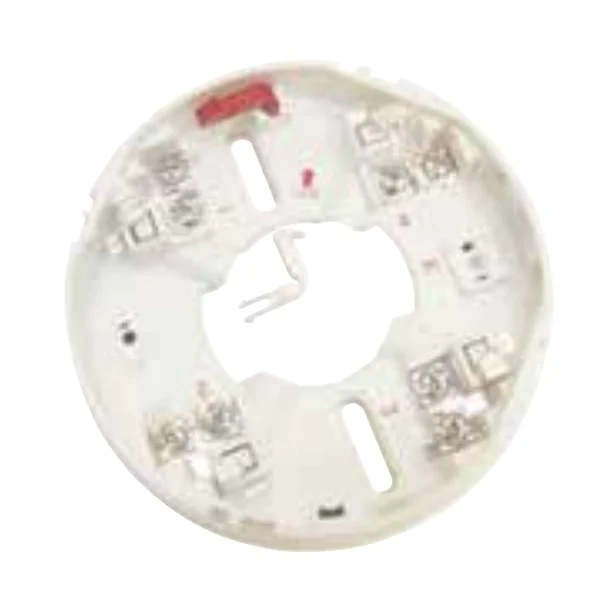
| Detection | Smoke and heat sensors detect fire and report with their address | EFM-X810 · EFM-X830 · ULMAH330 on the UCAB300 base |
| Manual alarm | A pull station lets anyone raise the alarm | EFM-APS100 / APS200 with ULMCIM-C |
| Control | The panel processes signals and applies cause & effect | ULDF6000 or xDetect |
| Notification | Horns, strobes and sounder bases warn for evacuation | HSR · HSWC · STR · Eluxa · ULMAS850 |
| Integration | Modules monitor and operate other systems | ULMCIM · ULMCOM · ULCIO351 · ULCMIO353 |
UL or EN54?
The required approval comes from the project: many projects in the Kingdom require UL listed systems to NFPA 72, which means ULDF6000 panels with UL range devices only, because the listing covers panel–device compatibility. Projects designed to European standards suit xDetect panels certified to EN54. Devices from the two ranges are not mixed in one system.
The critical point: compatibility is part of the listing
The UL listing of a system is based on the compatibility of the panel with the sensors, bases and modules tested with it. Replacing a device with one not on the compatibility lists takes the system outside its listing, even if that device is itself listed.
How to choose the system components
- Confirm the required approval in the project specification (UL or EN54).
- Count devices per loop (up to 200 addresses) and loops, and choose the panel: 2 or 4 loops, with printer or network card where needed.
- Choose the sensor type per area: smoke for normal areas, smoke with heat for fast fires, and heat where dust or steam are present.
- Place pull stations at exits, and horns and strobes per the audibility and visibility requirements of the design.
- Calculate notification circuit loads and batteries before fixing the number of devices.
- Assign modules for every interface: flow switches and supervised valves (inputs), HVAC, doors and lifts (outputs).
Integration with sprinklers and the building
The ULMCIM input module monitors the flow switch and valve supervisory switch of the sprinkler system, so flow or a closed valve shows on the fire alarm panel. The ULMCOM output module or the ULCMIO353 relay unit operate HVAC shutdown, fire door release and more, and the panel interfaces with BMS and voice systems.
Common mistakes
- Mixing devices from incompatible ranges or brands in a listed system.
- Exceeding the notification circuit current or battery capacity.
- Using a smoke sensor in a kitchen or car park instead of a heat sensor.
- Forgetting end-of-line resistors on monitored inputs.
- Insulation testing cables with devices connected.
FAQ
What is the difference between addressable and conventional?
Conventional gives the zone only; addressable identifies the exact device, allows finer programming and cuts the time to find a fire or fault.
Can several buildings be linked?
Yes, ULDF6000 panels network up to 126 panels, and repeaters show the status at other locations.
Can conventional detectors be used with an addressable system?
Yes, through the ULMIU872 module, for a zone of up to 20 listed conventional detectors.
What is the emergency assist alarm for?
It lets a disabled person call for help from a toilet by pulling a cord, lighting an indicator outside the door with a buzzer.
References
- NFPA 72 — National Fire Alarm and Signaling Code
- UL 864 — Control Units for Fire Alarm Systems
- EN 54 — European standards for fire detection and alarm systems
This page is general information to help with selection, taken from EATON datasheets. System design and device layout are set by the project’s approved designer to the governing standard and the authority having jurisdiction.
Products for this system
Send your BOQ and get a detailed quotation
Upload your BOQ or specs and our technical team will match products and prepare the offer.