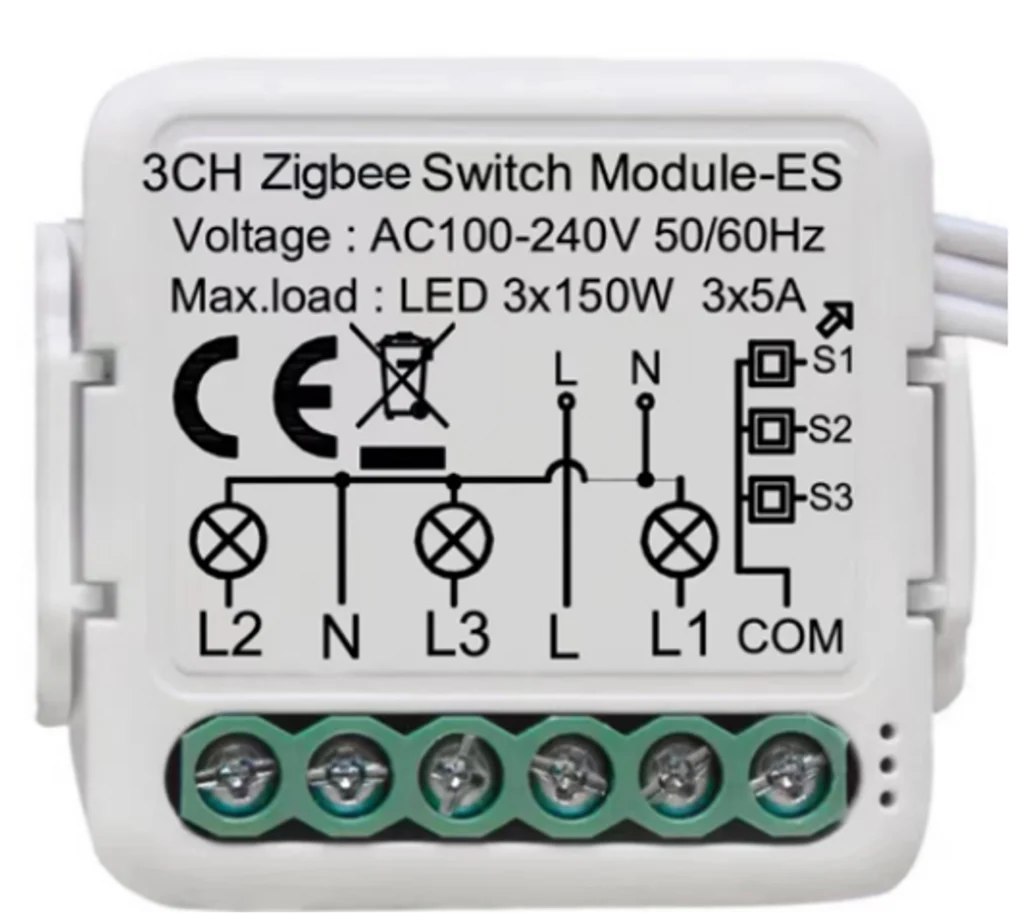
A Zigbee 3-gang 16A switch module with N & L wiring that fits behind the existing switch to make it smart, on AC 100–240V 50/60Hz.
At a glance
- 3 gang.
- Real-time power monitoring (per the datasheet).
- Range up to 70 m in open space.
How does the hidden module work?
The module is small and fits behind the existing switch or inside the ceiling junction box. The ordinary switch stays and is wired to the module’s input, and the module switches the load, so control works from the switch, the app and scenes together.
The -Z models use Zigbee and need a gateway; the -W models connect to Wi-Fi directly.
Related products
- A NEXHUB gateway or a NEXSC screen for the -Z models.
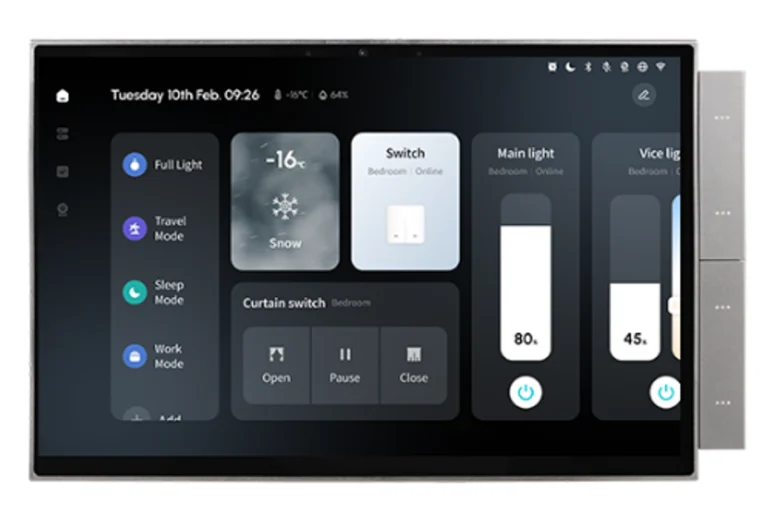
- NEXSW touch switches when you want to change the switch face.
- NEXCURT curtain kits with the curtain modules.
Technical data
| Item | Value |
|---|---|
| Brand | NEXSMART |
| Model | NEXRE-3G-Z |
| Type | Zigbee 3-Gang 16A Switch Module |
| Connectivity | Zigbee 3.0 |
| Input power | AC 100–240V 50/60Hz |
| Installation | Hidden, behind the switch or in the ceiling box |
| Gangs | 3 |
| Current | 16A |
The critical point: space and load
Make sure the box has room for the module and the wires, and that live and neutral are present. Do not exceed the load in the technical data, and do not use the module for large air-conditioner or heater loads.
General installation notes
- Modules suit existing homes because the switches need not change.
- Record each module’s location on the home drawing for easy maintenance.
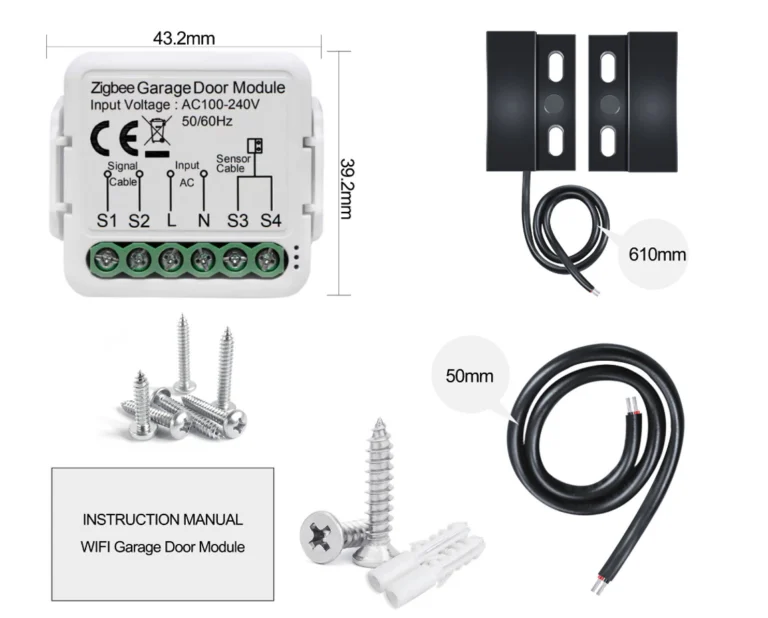
- Dry-contact modules link the smart home to other systems such as gates and garage doors.
These are general notes
These points are general smart home installation practice, not taken from the NEXSMART datasheet. Electrical connections are made by a qualified electrician to the Saudi electrical code and the authority’s requirements.
Installation steps
- Switch off power at the panel.
- Open the box and confirm live, neutral and space.
- Wire the module as shown in the datasheet diagram.
- Restore power and add the module to the app.
- Test from the switch and from the app.
Common mistakes
- Fitting the module in a cramped box, so it overheats.
- Forgetting the neutral wire.
- Exceeding the rated load.
- Installing a -Z model without a gateway.
Inspection and maintenance
The module needs no routine maintenance; update its software from the app when updates are available.
Files and ordering
NEXRE-XG-Z switch modules datasheet attached in the files section of this page. When ordering, state model NEXRE-3G-Z and the quantity.
How to buy
This product is sold directly in the Fu-Mech online store. If you would like to buy, press “Buy in store” at the top of the page to open its store page. For projects and large quantities, request a quote or contact us on WhatsApp.
Frequently asked questions
Does the ordinary switch still work?
Yes, the switch is wired to the module and still works by hand.
What is the difference between -Z and -W?
-Z uses Zigbee and needs a gateway; -W connects to Wi-Fi directly.
Where is the module fitted?
Behind the switch or inside the ceiling junction box.
References
- NEXSMART — Datasheet: NEXRE-XG-Z switch modules datasheet (attached)
- Zigbee 3.0 — Wireless standard of the Connectivity Standards Alliance
- SBC 401 — Saudi Electrical Code
This page is general information to help with selection and purchase, taken from NEXSMART data and the attached datasheet. General points are common practice; the reference is the latest manufacturer data.