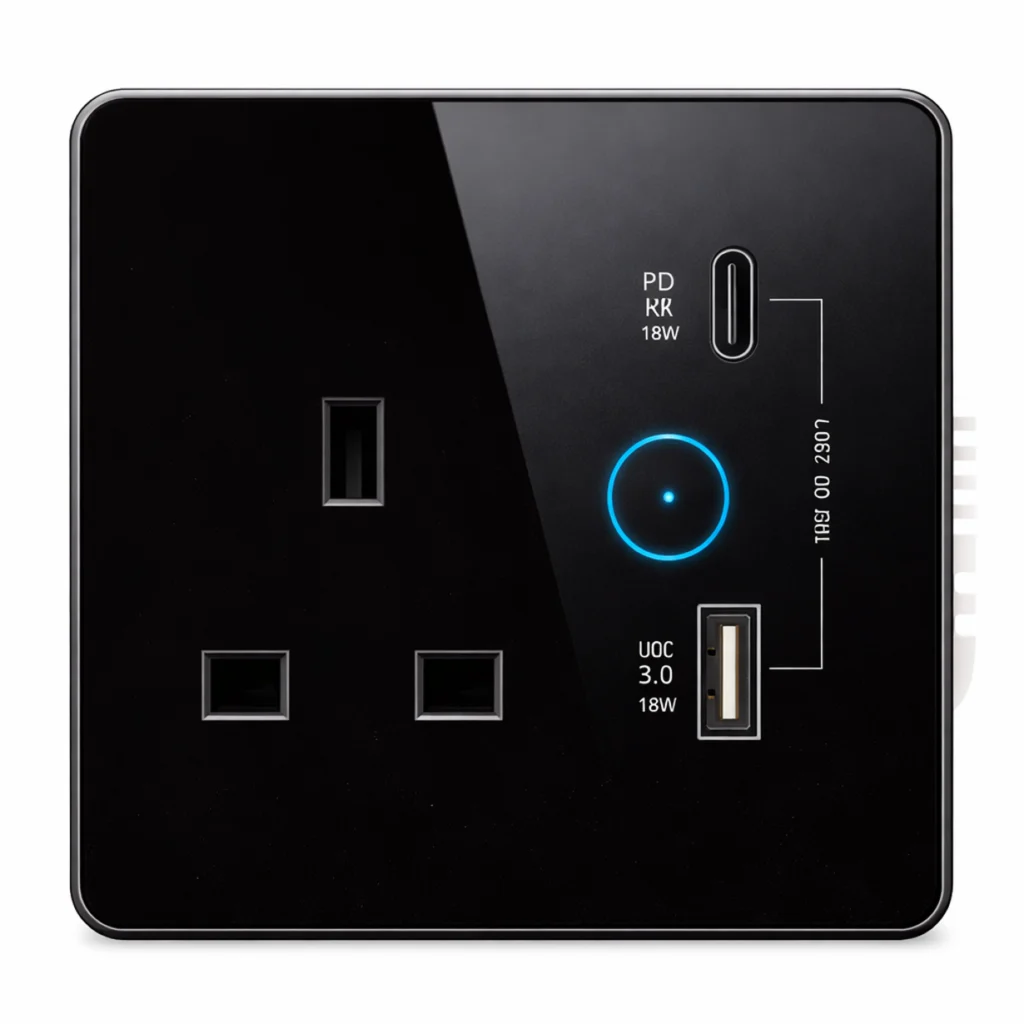
A flat-glass Zigbee UK smart wall socket with a built-in Type-C charger, 16A with N & L wiring, with a black glass panel and black PC frame.
At a glance
- UK 16A socket.
- Built-in Type-C charger.
- Switch the connected appliance from the app and on schedules.
How does the smart switch work?
The smart switch fits in place of the ordinary switch in the same wall box, with a relay that switches the load and a Zigbee unit that takes commands from the gateway. So it works by touch like a normal switch, from the app, on schedules, in scenes and by voice.
It needs live and neutral (N & L) in the box to stay connected, and a Zigbee gateway or a control screen with a built-in gateway.
Related products
- A NEXHUB gateway or a NEXSC control screen with a built-in gateway.
- NEXSEN-MG-Z motion and NEXSE-OH-Z presence sensors for automatic lighting.
- NEXRE hidden modules when you want to keep the existing switch.
Technical data
| Item | Value |
|---|---|
| Brand | NEXSMART |
| Model | NEXSW-SB-Z |
| Type | Zigbee UK Smart Wall Socket with Type-C Charger |
| Connectivity | Zigbee 3.0 |
| Face | Black glass, black PC frame |
| Current | 16A |
The critical point: neutral and load
Make sure there is a neutral (N) wire in the switch box before ordering; the switch will not work without it. Do not exceed the load in the technical data; for air conditioners and heaters use the high-power NEXSW-TB-H-Z.
General installation notes
- The 86 × 86 mm size suits the common square wall boxes.
- Keep one switch style across the home (touch or buttons) for a consistent look.
- Mains-powered switches spread between rooms strengthen the Zigbee network.
These are general notes
These points are general smart home installation practice, not taken from the NEXSMART datasheet. Electrical connections are made by a qualified electrician to the Saudi electrical code and the authority’s requirements.
Installation steps
- Switch off power at the panel.
- Confirm live and neutral are in the box.
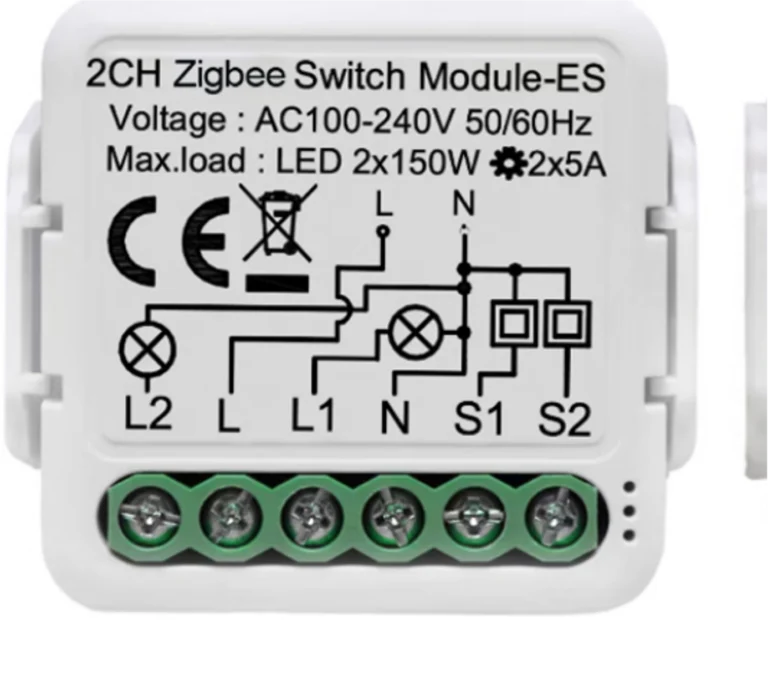
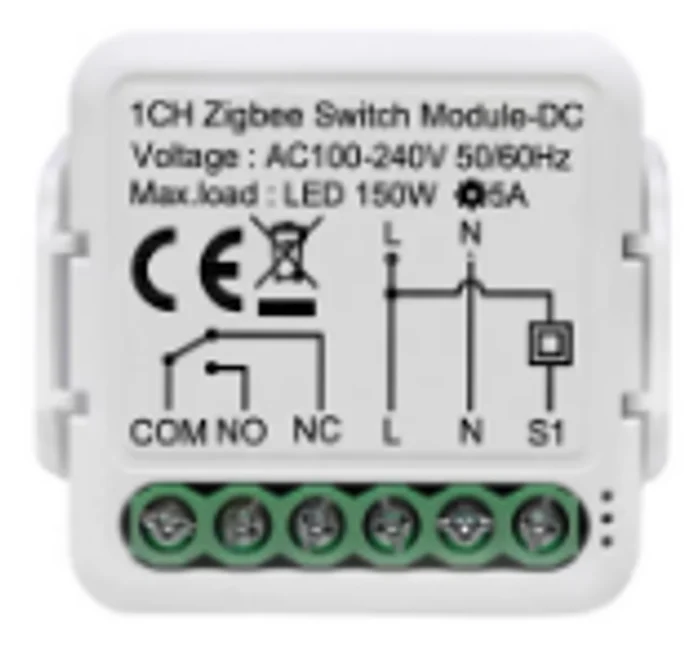
- Wire as shown in the datasheet diagram and fix the switch.
- Restore power and add the switch to the app through the gateway.
- Name each gang after the light it controls and test it.
Common mistakes
- Ordering the switch for a box with no neutral.
- Connecting an air conditioner or heater to a 16A switch.
- Installing the switch without a Zigbee gateway.
- Pressing on the glass with a sharp tool during installation.
Inspection and maintenance
Clean the face with a soft dry cloth without harsh cleaners, and update the software from the app when updates are available.
Files and ordering
Touch switches datasheet attached in the files section of this page. When ordering, state model NEXSW-SB-Z and the quantity.
How to buy
This product is sold directly in the Fu-Mech online store. If you would like to buy, press “Buy in store” at the top of the page to open its store page. For projects and large quantities, request a quote or contact us on WhatsApp.
Frequently asked questions
Does the switch work if the internet drops?
Yes, it still works by hand at the wall; remote control needs the gateway’s connection.
Do I need a neutral wire?
Yes, the switch needs N & L wiring.
Does it work with voice assistants?
Yes, through the gateway and the app.
References
- NEXSMART — Datasheet: Touch switches datasheet (attached)
- Zigbee 3.0 — Wireless standard of the Connectivity Standards Alliance
- SBC 401 — Saudi Electrical Code
This page is general information to help with selection and purchase, taken from NEXSMART data and the attached datasheet. General points are common practice; the reference is the latest manufacturer data.