Sensors are what make a home truly “smart”: without them control stays manual from the phone; with them the home acts on its own. But a sensor’s value depends on where it goes; in the wrong place it gives false alerts or does not work. This guide explains where each type goes, with NEXSMART sensors available in the Fu-Mech online store.
Key points
- Motion sensors for passing through, presence sensors for long sitting.
- Door sensors to alert on opening.
- Smoke, gas and water-leak detectors for early alerts.
- All use Zigbee and need a gateway such as NEXHUB-NH.
Motion or presence?
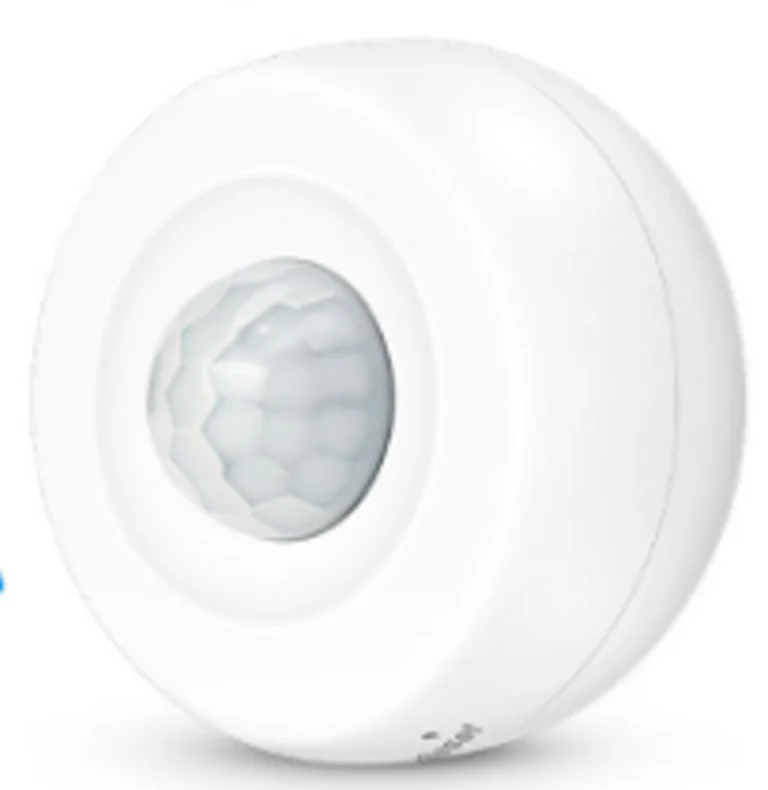
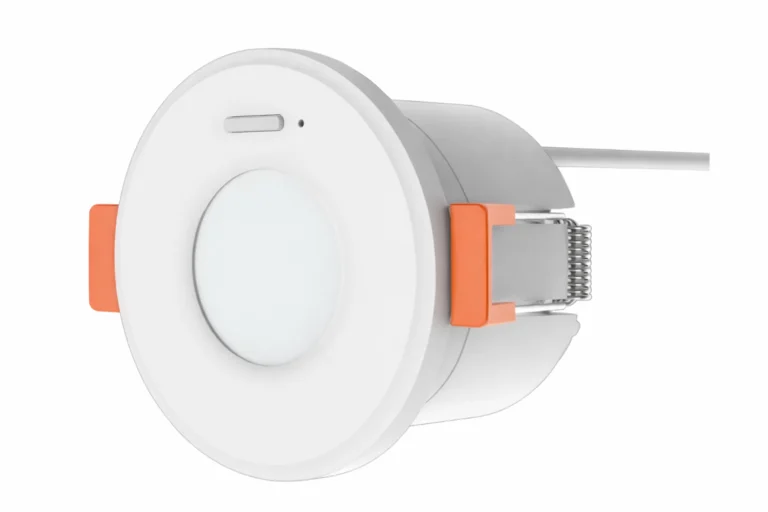
The NEXSEN-MG-Z motion sensor uses PIR and detects clear movement, so it suits corridors and entrances. The NEXSE-OH-Z presence sensor uses radar and detects micro-movements even when a person is still, with 360° coverage and a built-in light sensor, so it suits offices and majlis where people sit for long periods.
Where each sensor goes
| Sensor | Where | Scene |
|---|---|---|
| PIR motion | Corridors and entrances | Lights on when passing |
| Presence (radar) | Office and majlis ceilings | Keep lights and AC on while occupied |
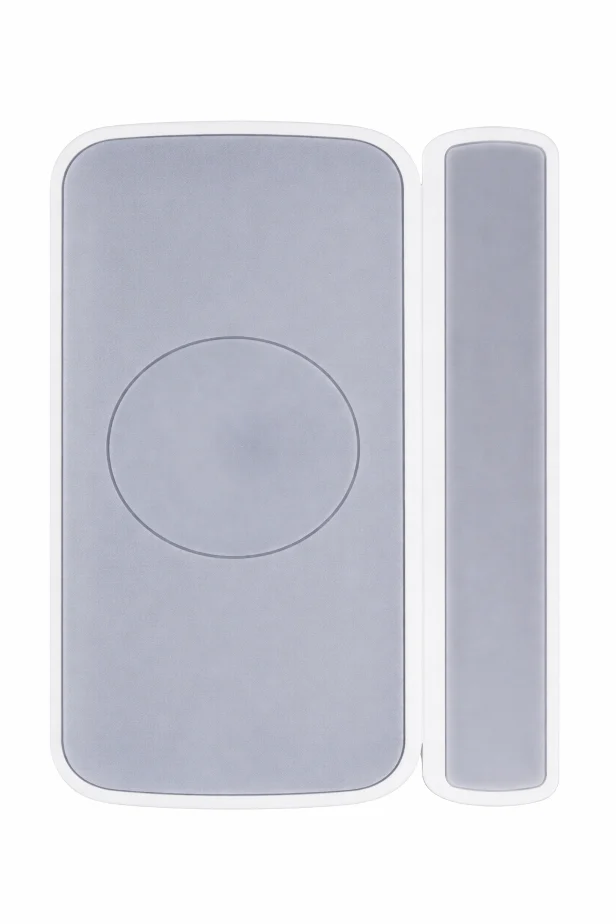
| Door & window | Doors, windows, cabinets | Alert on opening |
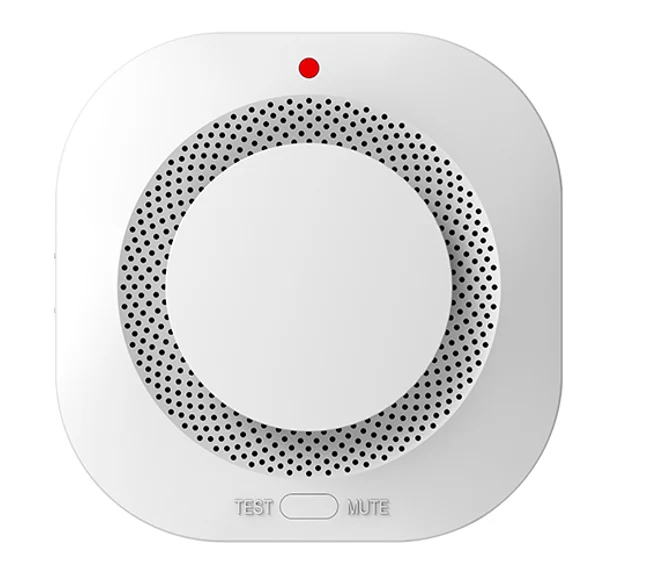
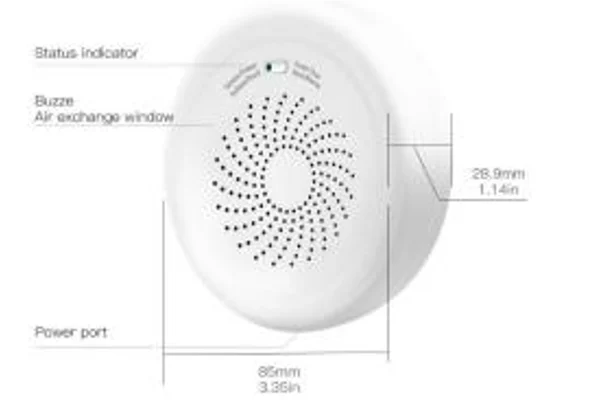
| Smoke | Corridor and bedroom ceilings | Alarm and phone alert |
| Natural gas | Kitchen, near the gas source | Instant alert |
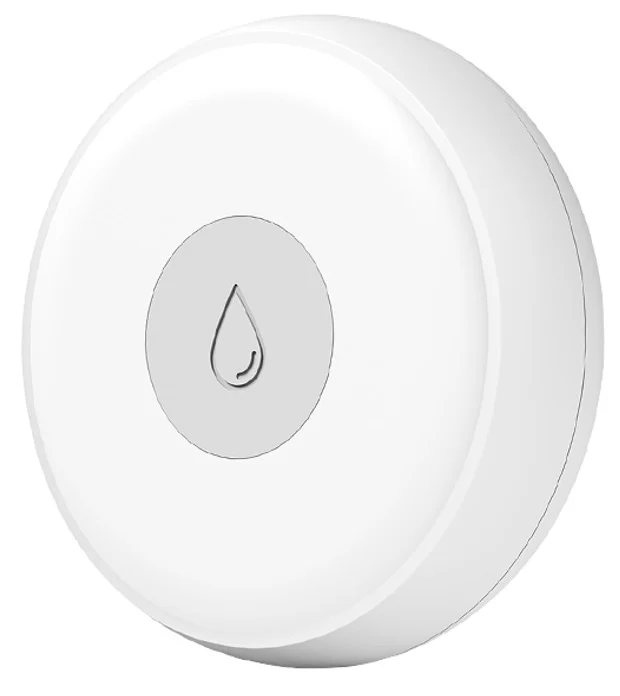
| Water leak | Under sinks and heaters | Instant alert |
The critical point: a smart sensor is not a fire alarm system
Warning
The NEXSEN-SG-Z smart smoke detector adds a phone alert, but it does not replace an approved fire alarm system where Civil Defense requires one. And a motion sensor should not face an AC vent or a sunny window.
Installation steps
- Add the sensor to the app before fixing it.
- Choose the position from the table above.
- Fix the sensor (adhesive, screws or ceiling).
- Link it to the required scene.
- Test it and confirm the alert arrives.
Common mistakes
- A motion sensor in a room where people sit long, so lights switch off on them.
- A door sensor with more than 15 mm between its parts.
- A leak detector far from the water source.
- Ignoring the low-battery alert.
Buy from our store
Every product in this guide is sold directly in the Fu-Mech online store. Press “Buy in store” next to a product to open its store page, or open the product page for specifications and the datasheet.
| Model | Product | Buy |
|---|---|---|
| NEXSEN-MG-Z | Zigbee Smart PIR Motion Sensor | Buy in store ↗ |
| NEXSE-OH-Z | Zigbee Radar Occupancy Sensor | Buy in store ↗ |
| NEXSE-DH-Z | Zigbee Smart Door & Window Sensor | Buy in store ↗ |
| NEXSEN-SG-Z | Zigbee Smart Smoke Alarm | Buy in store ↗ |
| NEXSE-GG-Z | Zigbee Smart Gas Leak Detector | Buy in store ↗ |
| NEXSE-WG-Z | Zigbee Smart Water Leak Sensor | Buy in store ↗ |
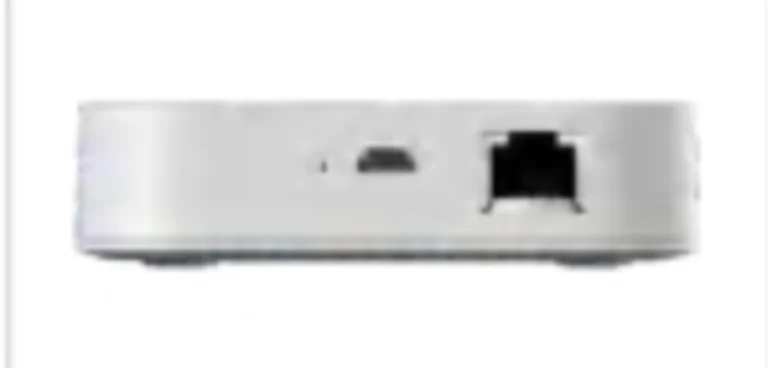
| NEXHUB-NH | Ethernet Smart Home Gateway, Zigbee 3.0 | Buy in store ↗ |
Frequently asked questions
Do the sensors need power?
Most run on batteries; the NEXSE-OH-Z presence sensor runs on AC 220V.
Do alerts reach me away from home?
Yes, through the gateway and app as long as the home is online.
How many sensors do I need?
Start with entrances, the kitchen and water sources, then add as needed.
References
- NEXSMART — NEXSE-OH-Z presence sensor and NEXSE-DH-Z door sensor datasheets
- Zigbee 3.0 — Wireless standard of the Connectivity Standards Alliance
Product information comes from its pages on this site and NEXSMART data; other points are general practice. Electrical connections should be made by a qualified electrician.