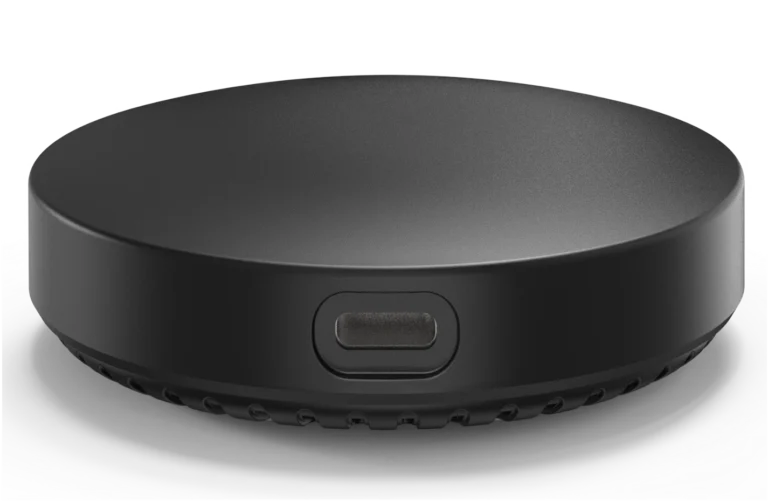
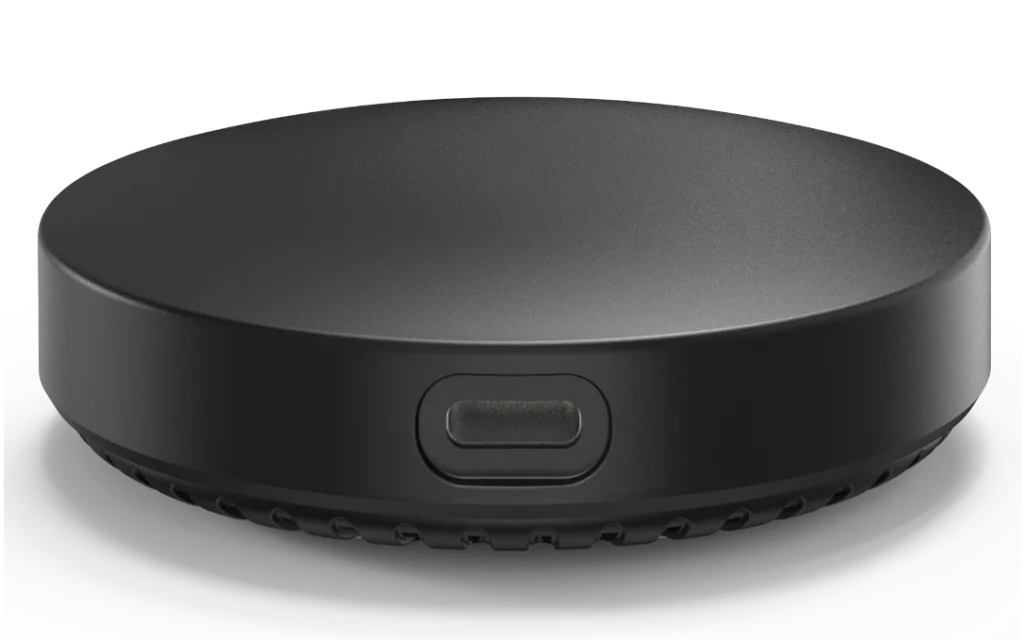
An infrared (IR) controller for remote-controlled split air conditioners, with a temperature and humidity sensor, so you control the AC from the phone and by room conditions.
At a glance
- Works with any remote-controlled split AC.
- Temperature and humidity sensor.
- Connects over Wi-Fi.
How does smart AC control work?
IR controllers send the same commands as the AC remote by infrared, so they work with any remote-controlled split AC without any wiring to the unit. VRF / FCU gateways connect to the central AC system and link it to the smart home over Zigbee.
Related products
- NEXSE-OH-Z presence sensor to switch the AC off when the room is empty.
- NEXSW-TB-H-Z high-power switch.
- A NEXHUB gateway for the Zigbee models.
Technical data
| Item | Value |
|---|---|
| Brand | NEXSMART |
| Model | NEXAC-IR-W |
| Type | Smart IR Controller for Split AC with Temperature & Humidity Sensor |
| Connectivity | Wi-Fi · IR |
The critical point: line of sight and compatibility
An IR controller needs a direct line of sight to the AC in the same room. For VRF / FCU gateways, confirm compatibility with the AC system brand and model before ordering.
General notes
- One controller per room with a split AC.
- Place the controller away from heat sources so it reads room temperature accurately.
- Scheduling and occupancy control reduce consumption.
These are general notes
These points are general smart home installation practice, not taken from the NEXSMART datasheet. Electrical connections are made by a qualified electrician to the Saudi electrical code and the authority’s requirements.
Installation steps
- Place the controller where it sees the AC directly.
- Connect power and link it to the app.
- Pick the AC brand or learn the remote commands.
- Test on, off and temperature.
- Create schedules and scenes.
Common mistakes
- Placing an IR controller behind furniture or in another room.
- Ordering a VRF gateway without confirming system compatibility.
- Placing the controller near a sunny window.
Inspection and maintenance
Update the controller software from the app and keep its surface free of dust.
Files and ordering
No datasheet for this model is on the site yet; ask us for it on WhatsApp. When ordering, state model NEXAC-IR-W and the quantity.
How to buy
This product is sold directly in the Fu-Mech online store. If you would like to buy, press “Buy in store” at the top of the page to open its store page. For projects and large quantities, request a quote or contact us on WhatsApp.
Frequently asked questions
Does it work with any AC?
IR controllers work with remote-controlled split ACs; VRF gateways depend on system compatibility.
Does it need wiring to the AC?
An IR controller needs no wiring to the AC.
Does it save electricity?
Scheduling and switching off in empty rooms cut running hours.
References
- NEXSMART — Model data
- Zigbee 3.0 — Wireless standard of the Connectivity Standards Alliance
This page is general information to help with selection and purchase, taken from NEXSMART data. General points are common practice; the reference is the latest manufacturer data.