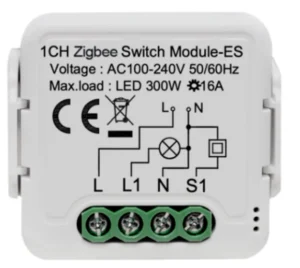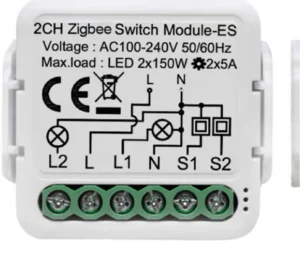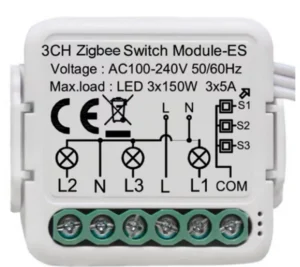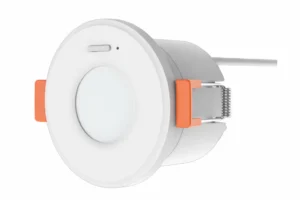
The first smart home decision is not the switch style or the screen brand but how the devices connect. Most devices work one of two ways: Zigbee through a gateway, or Wi-Fi straight to the router. This guide explains the difference and when to choose each, with examples from NEXSMART products available in the Fu-Mech online store.
Key points
- Zigbee: devices connect to a gateway, which connects to the internet.
- Wi-Fi: each device connects straight to the router with no gateway.
- For a whole home, Zigbee is preferred; for one or two devices, Wi-Fi is enough.
- With NEXSMART, a model ending in -Z uses Zigbee and one ending in -W uses Wi-Fi.
How Zigbee works
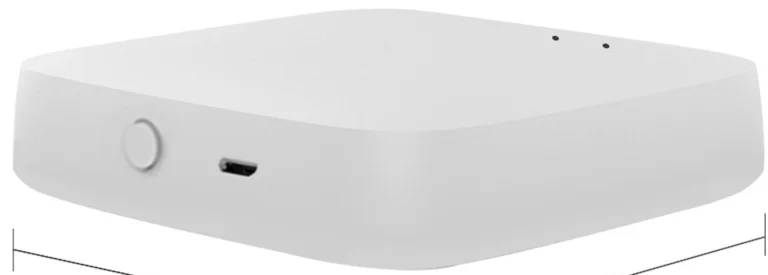
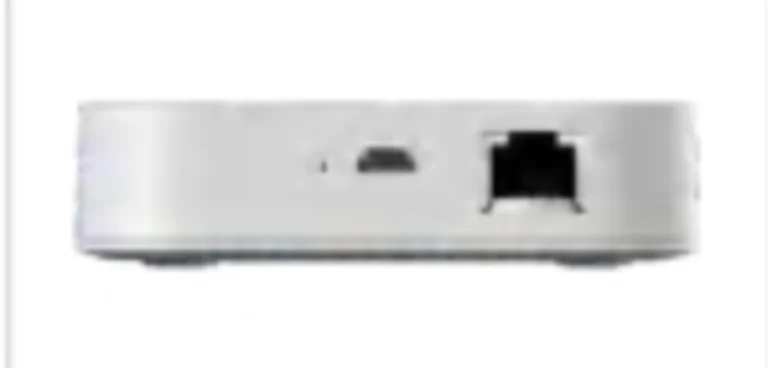
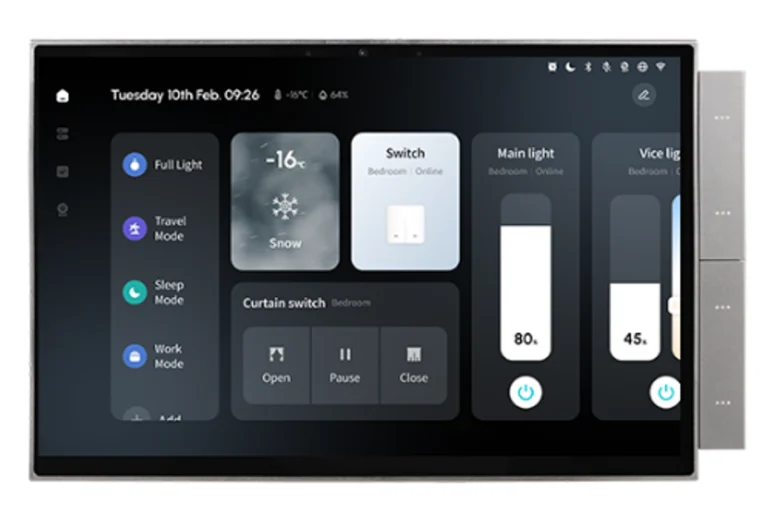
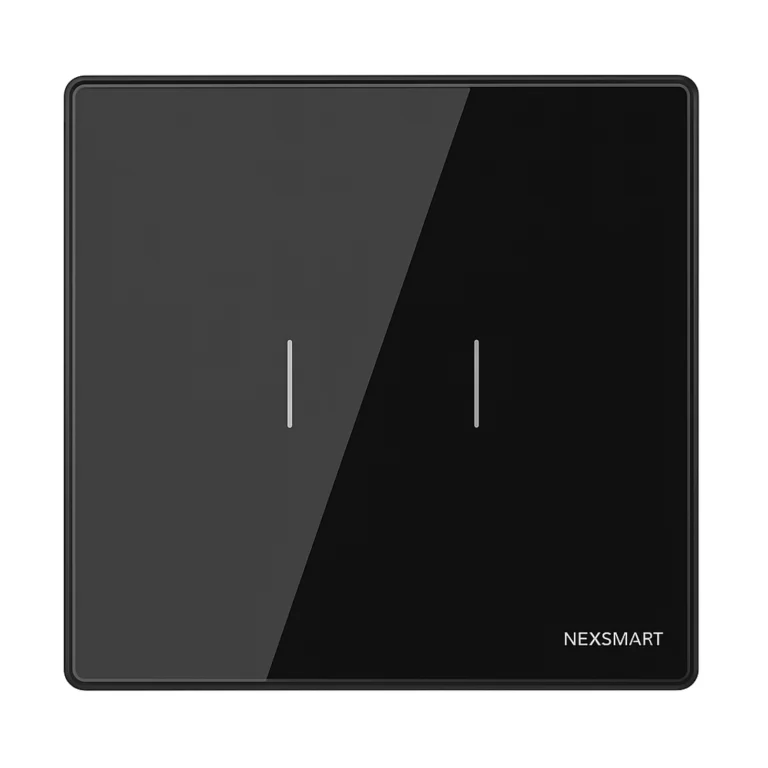
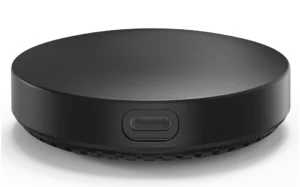
Zigbee is a low-power wireless protocol designed for home devices. Devices do not connect to the router but to a gateway such as NEXHUB-NH or NEXHUB-B, or to a control screen with a built-in gateway such as NEXSC-B-10. Every mains-powered device, such as the NEXSW-TB-2G-Z switch, relays the signal to devices further away, so the network grows as devices are added.
And how Wi-Fi works
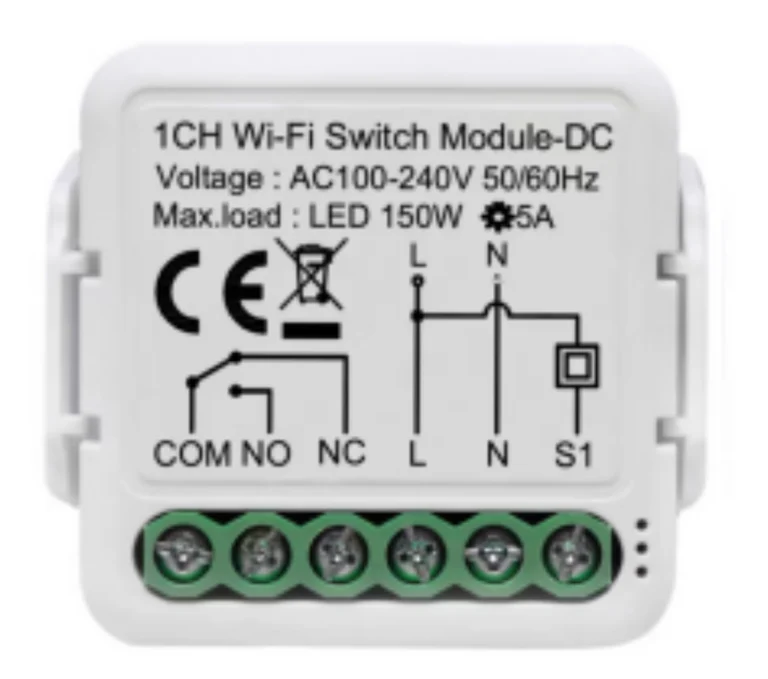
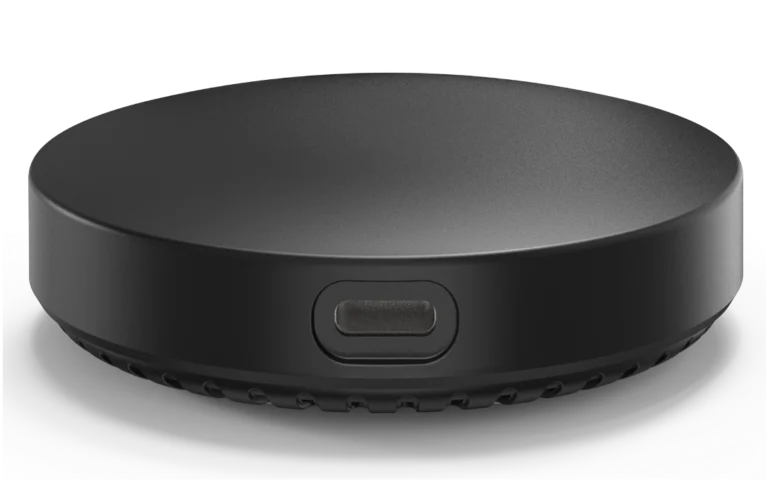
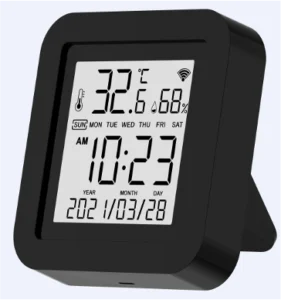
A Wi-Fi device connects to the router directly like a phone, so it needs no gateway. That suits a single device, such as the NEXAC-IR-W AC controller or the NEXRE-DC-W dry-contact module. But as the number of devices grows the router is loaded more, and battery sensors use more power.
Quick comparison
| Item | Zigbee | Wi-Fi |
|---|---|---|
| Connection | Through a gateway or a screen with one | Straight to the router |
| Network | Mesh; mains devices relay the signal | Each device talks to the router alone |
| Many devices | Well suited | Loads the router |
| Batteries | Low power, suits sensors | Higher consumption |
| Best for | Whole homes and projects | One or two devices with no gateway |
The critical point: do not mix without a plan
Warning
Decide the home’s main protocol before buying. Zigbee devices do not work without a gateway, so if you buy -Z switches, buy a gateway or a screen with one. Single Wi-Fi devices can be added for special cases.
How to choose
- Set the project size: one room or the whole home.
- For a whole home choose Zigbee with a gateway or control screen.
- Place the gateway or screen in the middle of the home.
- Choose switches and sensors on the same protocol.
- Add Wi-Fi devices only where needed.
Common mistakes
- Buying Zigbee switches without a gateway.
- Putting the gateway at the edge of the home or in a metal cabinet.
- Relying on dozens of Wi-Fi devices on an ordinary home router.
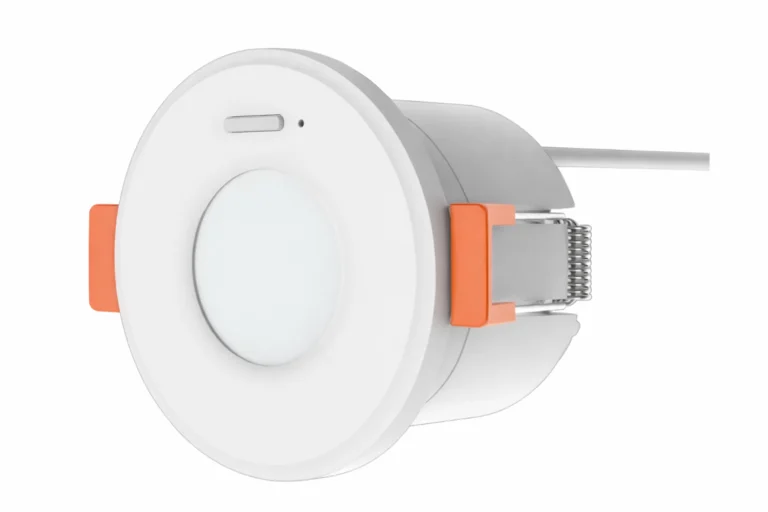
- Placing the NEXSE-OH-Z presence sensor out of network range.
Buy from our store
Every product in this guide is sold directly in the Fu-Mech online store. Press “Buy in store” next to a product to open its store page, or open the product page for specifications and the datasheet.
| Model | Product | Buy |
|---|---|---|
| NEXHUB-B | Wi-Fi Mini Smart Home Gateway, Zigbee 3.0 | Buy in store ↗ |
| NEXHUB-NH | Ethernet Smart Home Gateway, Zigbee 3.0 | Buy in store ↗ |
| NEXSC-B-10 | 10.1″ 3-in-1 Smart Control Panel | Buy in store ↗ |
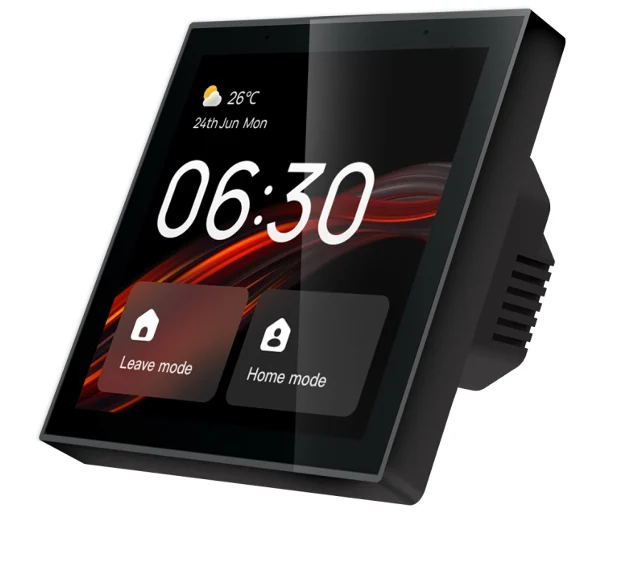
| NEXSC-B-4 | 4″ Smart Control Panel with Alexa | Buy in store ↗ |
| NEXSW-TB-2G-Z | Zigbee 2-Gang Smart Touch Switch | Buy in store ↗ |
| NEXRE-DC-W | Wi-Fi + BLE Mini Dry Contact Module | Buy in store ↗ |
| NEXSE-OH-Z | Zigbee Radar Occupancy Sensor | Buy in store ↗ |
| NEXAC-IR-W | Smart IR Controller for Split AC with Temperature & Humidity Sensor | Buy in store ↗ |
Frequently asked questions
Do I need internet for the smart home to work?
Remote control needs internet, and switches still work by hand. The NEXSC-B-10 datasheet states it keeps local control if Wi-Fi drops.
Is one gateway enough?
Usually for an apartment or medium villa, with mains devices spread to strengthen the network.
Can I buy the devices in stages?
Yes, start with the gateway or screen and add devices gradually from the store.
References
- Zigbee 3.0 — Wireless standard of the Connectivity Standards Alliance
- NEXSMART — Product data and datasheets on the product pages
Product information comes from its pages on this site and NEXSMART data; other points are general practice. Electrical connections should be made by a qualified electrician.